
Find your “wow!”
this school year
From small wins to big breakthroughs, see what’s possible for your classroom and students this year.

















WHAT’S NEW
Find your “wow!”, your way
Your students, your style, your classroom.
Start where you left off


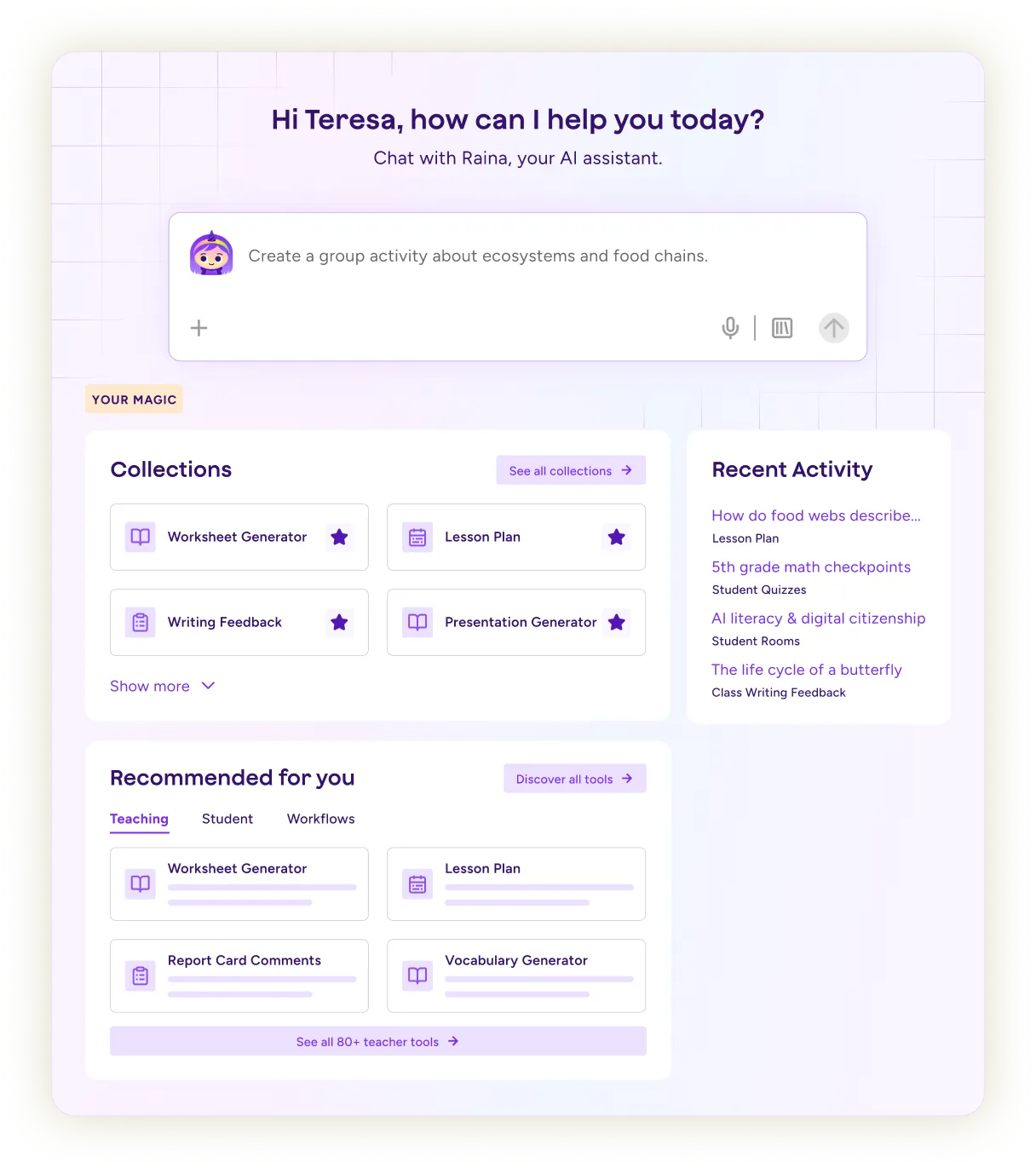
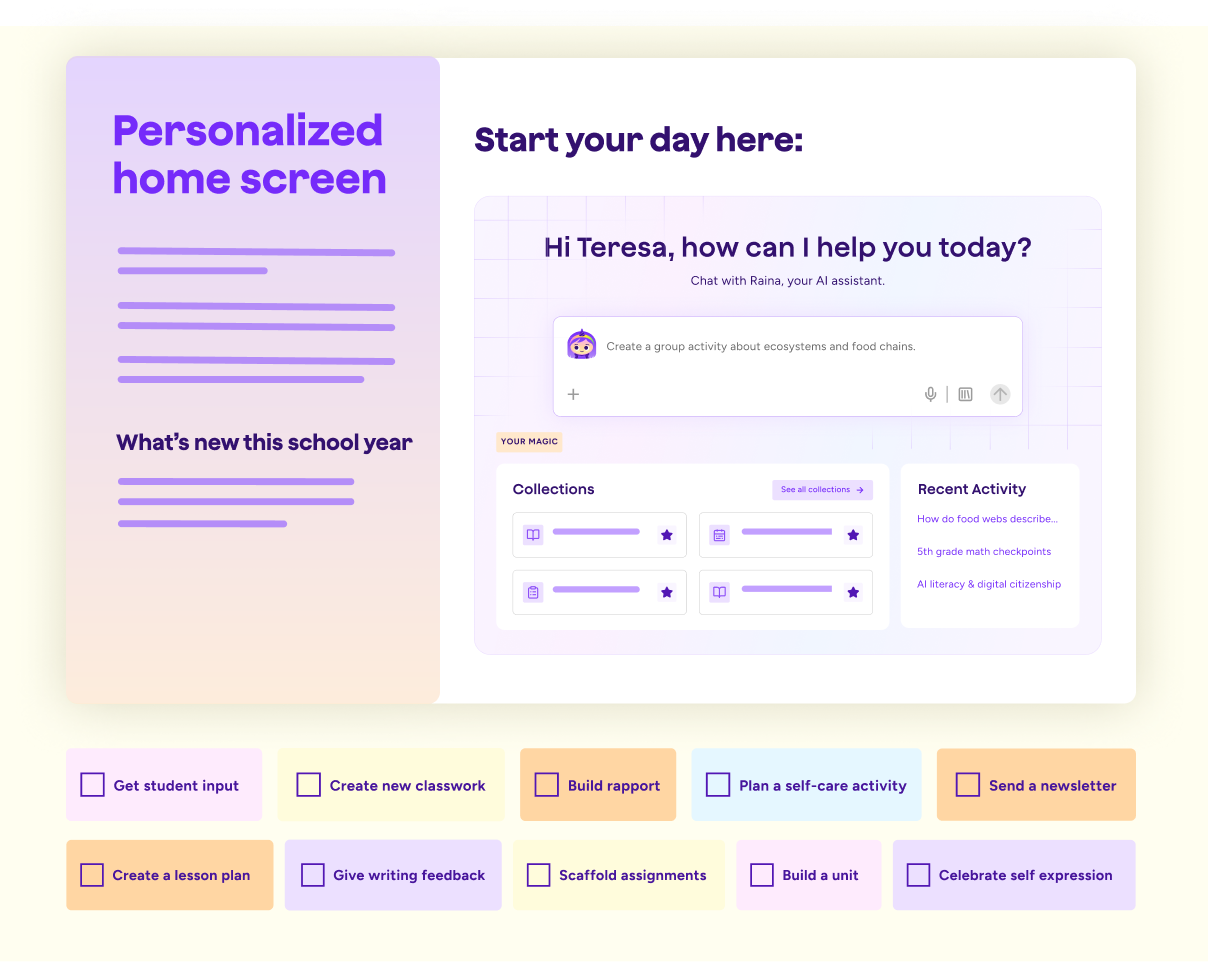
Everything you need is waiting when you log in. Raina, your recent work, and your most-used tools are right there, so you can get back to teaching faster.
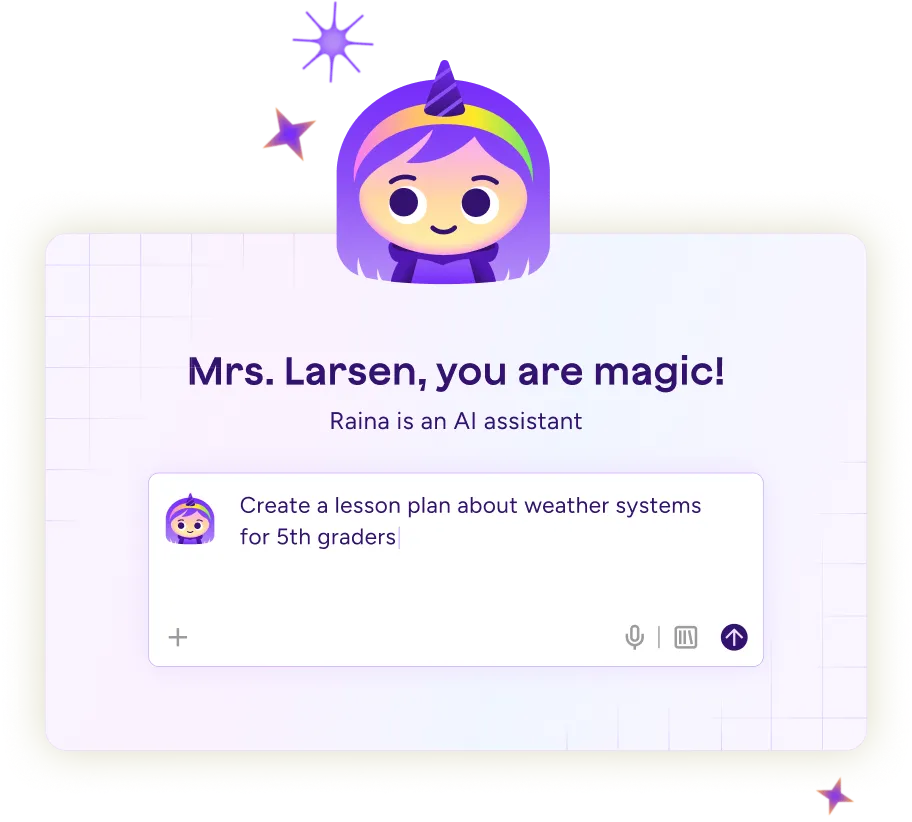
Get to the right tool faster
Describe what you're working on and Raina takes you where you need to go. The right tool is ready when you need it.
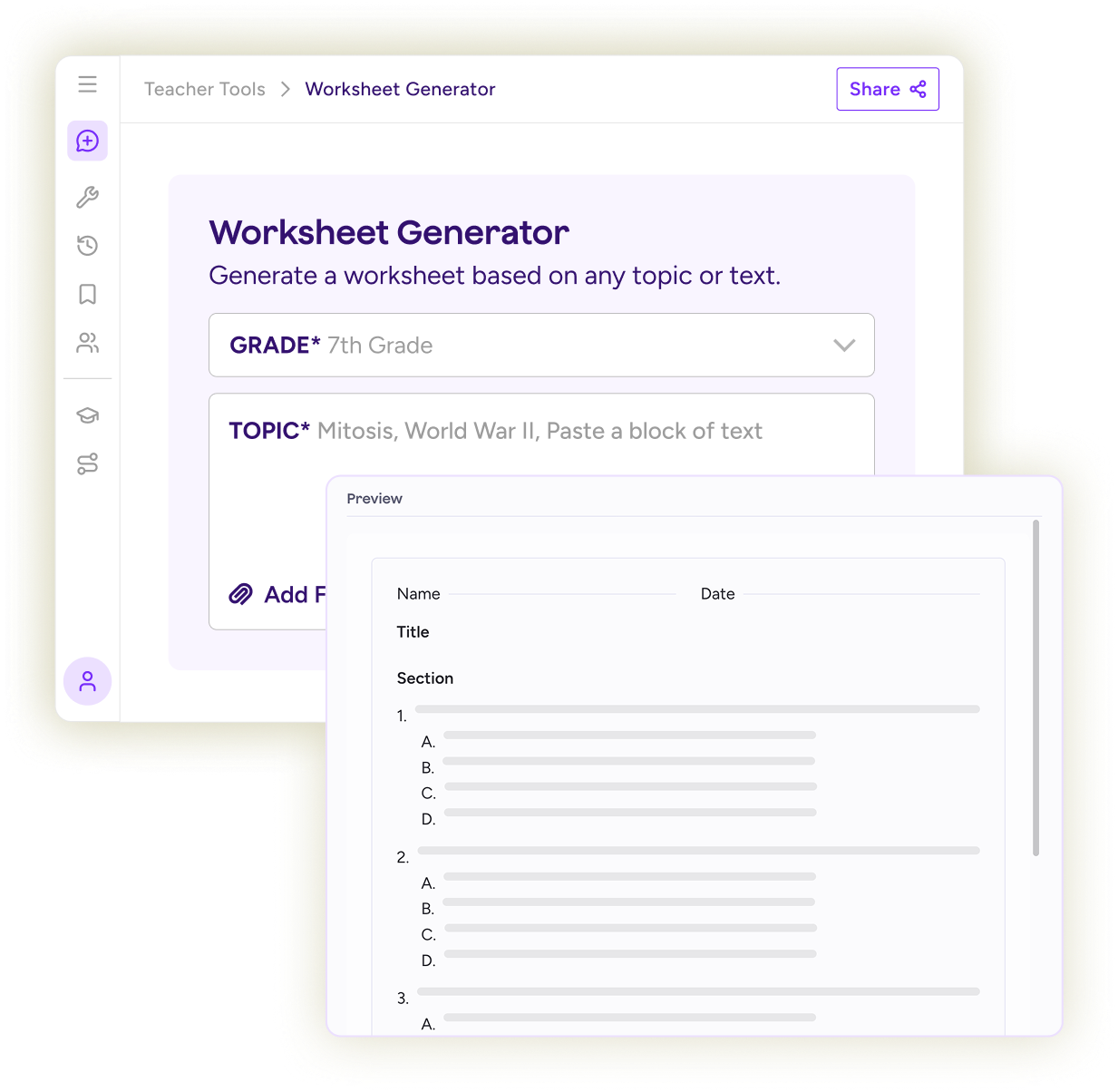
Create classroom-ready worksheets in minutes
Start with an idea and generate a polished worksheet your students can use today. Adjust reading levels, question types, and length without starting over.
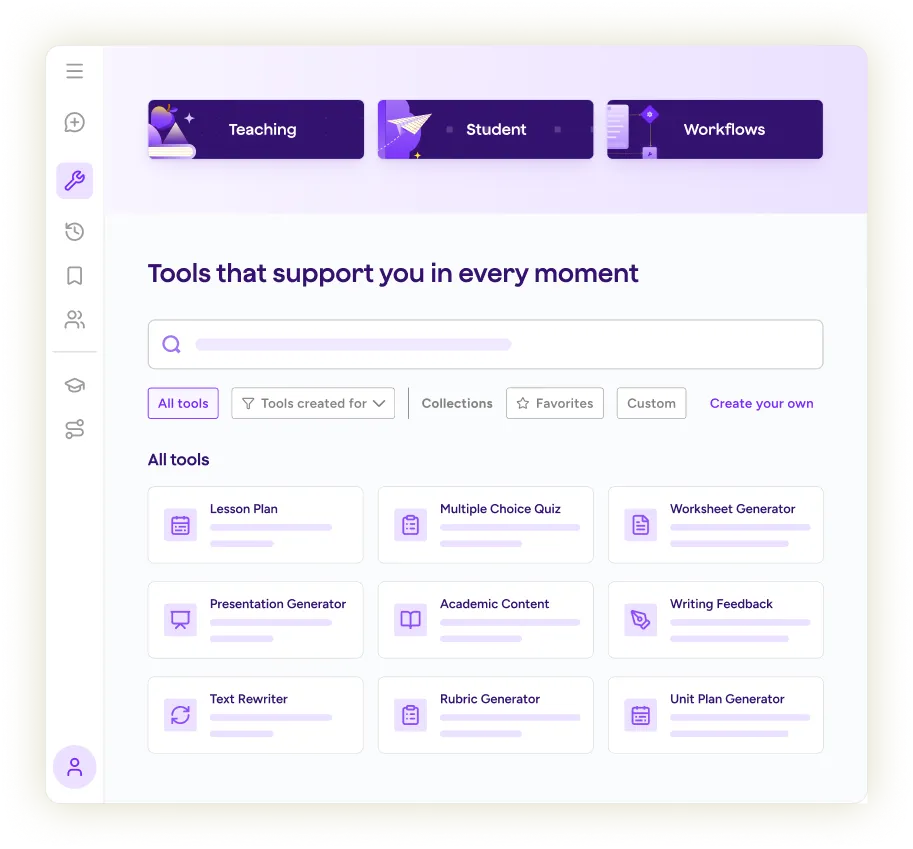
Find everything in one place
Teacher tools, student tools, and instructional workflows are organized in one place. Search, filter, and quickly find what you need, whether you're planning a lesson or running a routine.
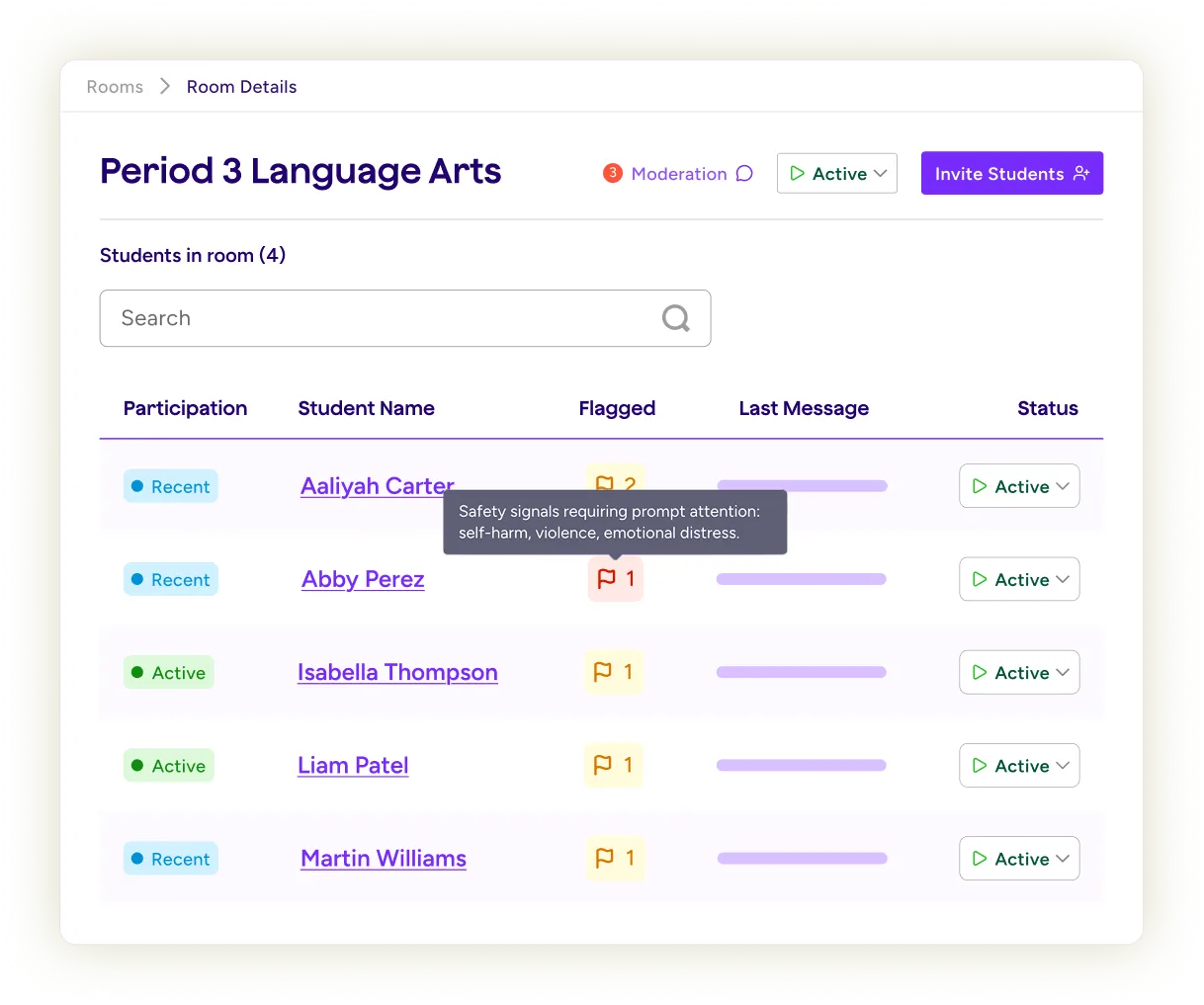
Know what needs attention first
Every moderation flag includes severity levels and context. Understand what's happening quickly so you can take the right next step.
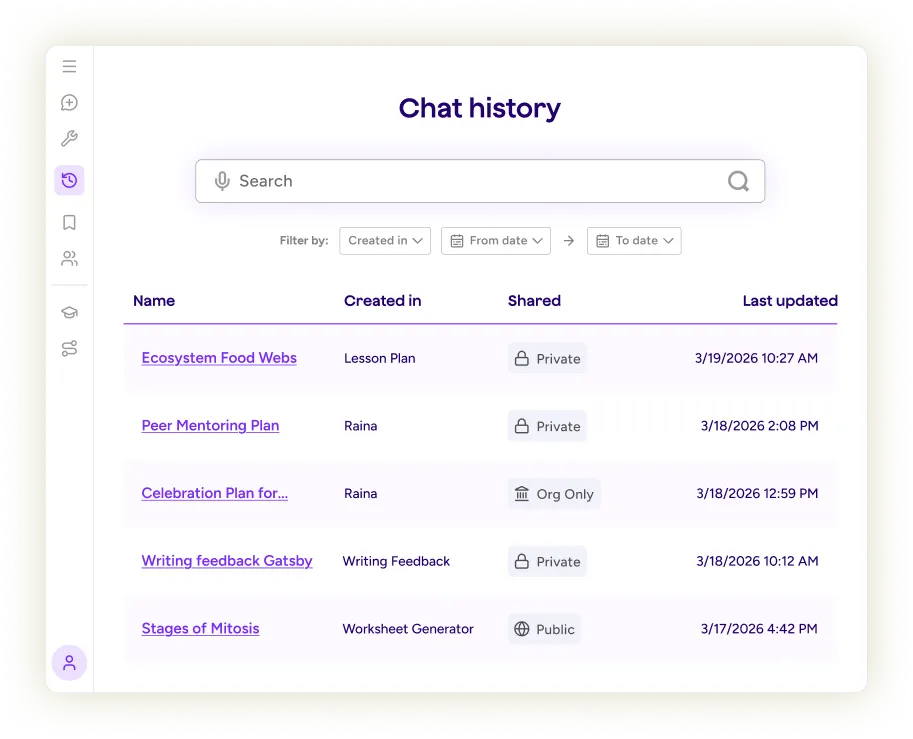
Never lose great work again
Every tool output and Raina conversation lives in one searchable history. Find what you need by keyword, date, or tool, then save it to your Resource Library with one click.
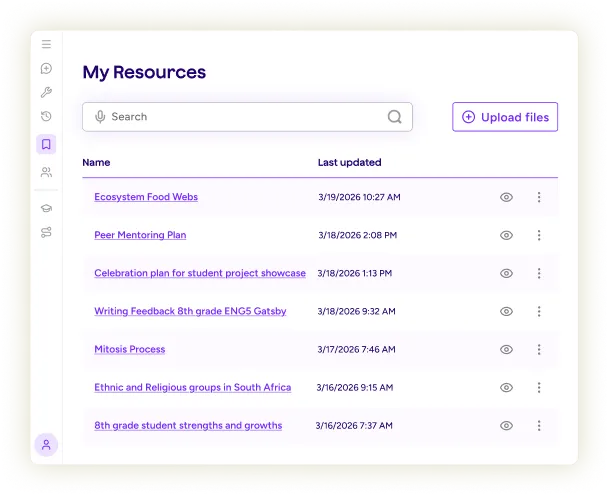
Build a library that’s uniquely yours
Keep lessons, worksheets, rubrics, and AI-generated resources together in one place. Upload your own materials so future work reflects your classroom, school, and district.
Watch the walkthrough


WOW MOMENTS
What "wow!" looks like in the classroom
See how teachers and school leaders are using MagicSchool in ways that make a meaningful difference every day.




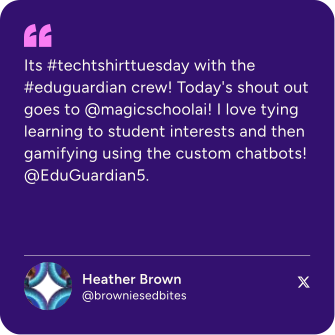
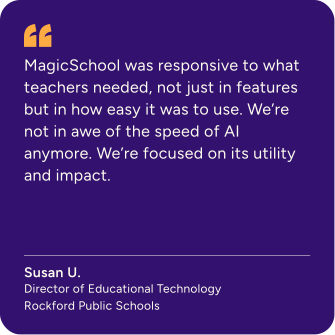
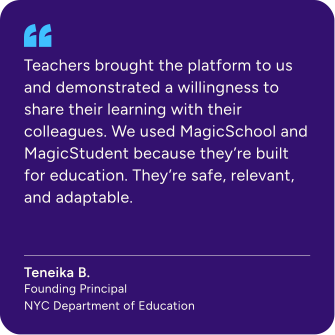
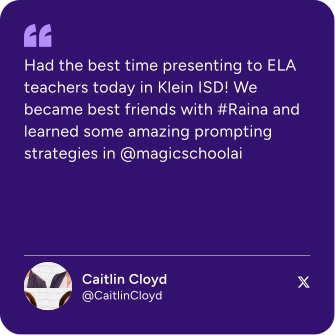
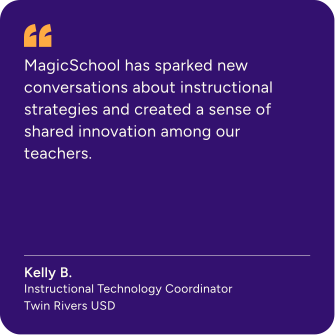
Teachers are magic
The teachers in our community say it better than we ever could.
.svg)

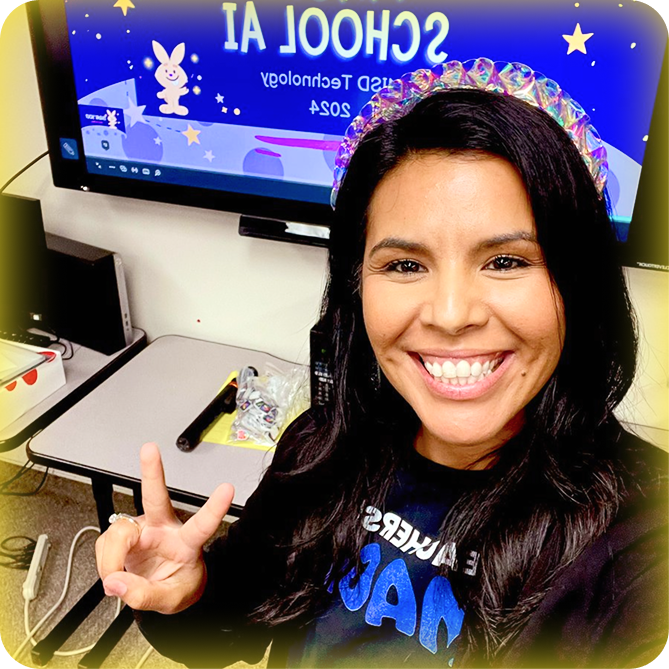
Find your “wow!” with Raina
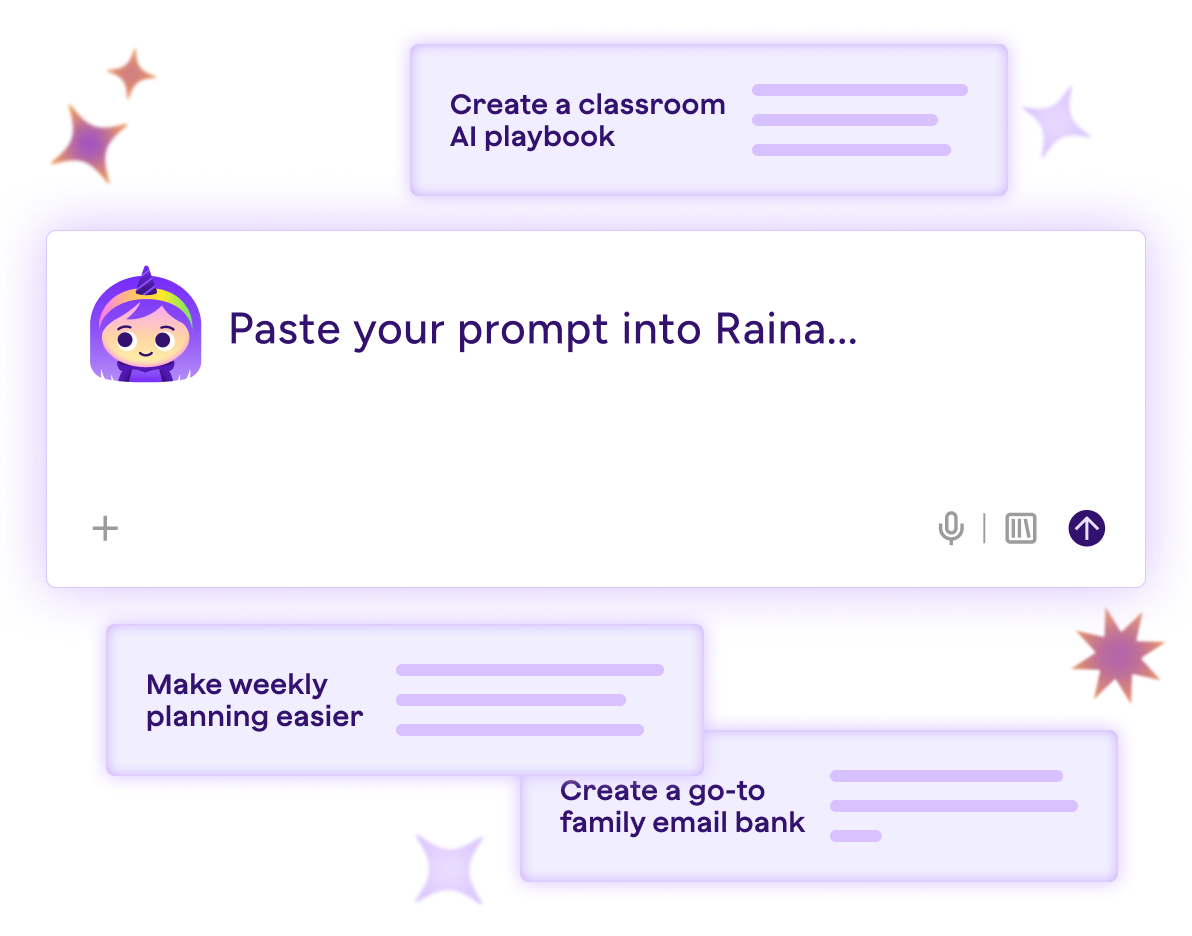
Twenty ready-to-use prompts that turn your ideas into lessons, resources, and plans made for your classroom. Fill in the brackets, paste into Raina, and start the year feeling prepared, connected, and inspired.
Your first win is closer than you think
Wherever you are with AI, this guide meets you there with real prompts, favorite tools, and tips to make back-to-school easier this year. Download the guide today and discover new ways to make AI work for you and your classroom.
Learn something new.
Imagine what’s next.
Whether you're just getting started or ready to level up, our professional
learning opportunities help you get more from MagicSchool.



Questions? We’re here to help.
Whether you’re wondering about new features or looking to connect with the MagicSchool community, we have you covered.
I'm new to MagicSchool. How can I learn from other educators and get support?
Welcome to MagicSchool! This Back-to-School season, join us for Summer Academy, certification courses, and Office Hours (running September 1-31).They're great opportunities to learn new skills, get your questions answered, and connect with educators using MagicSchool in their classrooms.
Is MagicSchool free for teachers?
Teachers can use MagicSchool for free, with core tools for lesson planning, assessments, differentiation, and communication. For many educators, the Free plan is enough to meaningfully reduce planning time week to week.
Educators who use MagicSchool more regularly choose Plus for expanded usage and additional features. Schools and districts can adopt Enterprise to support district-wide access, single sign-on, administrative visibility, and thoughtful implementation.
A full comparison of plans is available on our Pricing page.
How can MagicSchool help teachers save time during back-to-school planning?
MagicSchool helps teachers save time on many of the tasks that pile up at the start of the school year, including lesson planning, differentiation, assessments, family communication, and classroom preparation. With more than 80 AI tools built specifically for educators, teachers can spend less time creating materials and more time focused on students.
Can I use MagicSchool to create lesson plans, assessments, and feedback activities?
Yes. Teachers use MagicSchool to create lesson plans, quizzes, rubrics, writing feedback, differentiated materials, classroom communications, and more. From first-week activities to formative assessments and ongoing feedback, MagicSchool supports teaching and learning throughout the school year.
Can MagicSchool be used across an entire school or district?
Yes. Schools and districts can implement MagicSchool through the Enterprise plan.
Enterprise supports district-wide access and includes features like administrative dashboards, single sign-on, and centralized controls. These tools help district leaders introduce AI thoughtfully while maintaining visibility and oversight.
You can learn more about district plans on our Pricing page.



