
Hawaii DOE
AI Pilot
MagicSchool is excited to partner with the Hawai'i Department of Education on an AI pilot program that will enhance learning, help teachers save time while also sparking curiousity and building essential skills in computer science.


How to get started
1. Confirm your Principal or Supervisor approves your participation in the MagicSchool AI Pilot.
2. Create a MagicSchool account below using your k12.hi.us Gmail address.
3. Attend one live onboarding training session OR complete the the Level 1 and 2 asynchronous MagicSchool AI Certified Course.
4. Upload your certificates of completion here to confirm your participation and unlock all MagicSchool features.
WHY MAGICSCHOOL
Built for schools.
Trusted by districts.

Built for teaching and learning
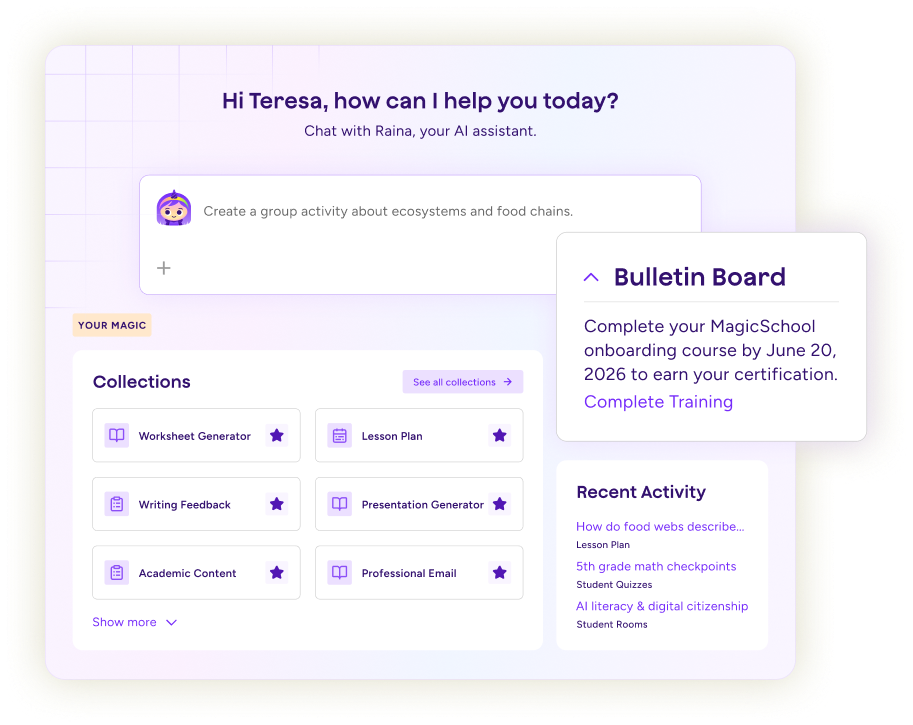
Created by educators, MagicSchool fits naturally into classroom instruction and helps teachers spend more time with students.
Privacy, security, and safeguards for schools
Built for K–12, MagicSchool provides the protections, policies, and oversight schools need to use AI with confidence.
Professional learning for confident AI adoption
Practical training and resources help educators build confidence and bring AI into everyday teaching.
District oversight with educator flexibility
District leaders gain the visibility and control they need, while teachers have the flexibility to use AI where it makes a meaningful impact.
Student AI Literacy Resources
Students already use AI in many parts of their lives, often without guidance. In the classroom, students build AI literacy as they learn how AI works, use it responsibly, and develop the judgment and confidence they need as learners. It’s our collective responsibility to prepare them for what comes next.

Student tools for coding classes

Coding Assistant
An assistant to help you with coding languages in computer science.

Custom Chatbot
Build a chatbot from scratch with any custom instructions for students to interact with.

Prompt Assistant
Write an AI prompt and get feedback on it to improve your prompting skills.

Study Bot
Use AI as a study partner for any exam or topic with this chatbot.

AI Learning Assistant
Prompt and ask questions to our responsible AI chatbot built for students.



Computer Science Student Rooms
You don’t have to start from scratch. Find custom Student Rooms designed for computer science and technology classrooms ready to use today.

Additional resources
The Hawai'i DOE has provided several resources about AI that may be helpful as you explore MagicSchool:



