The most-loved AI tools for teachers
AI that cuts hours off your week without cutting corners. Less burnout, more breathing room, and the best version of you for your students.

4 in 5 teachers report improved student engagement and learning behaviors.

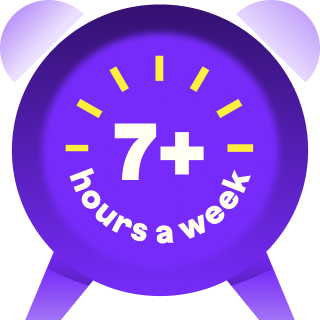
94% of teachers who use MagicSchool report gaining 7+ hours per week.


AI for teachers, BY TEACHERS
Can’t stand complicated teaching tools? Neither can we.
You’re the magic, we’re your support.

Power every part of the school day
Easy-to-use tools for planning, differentiation, assessment, and communication, all in one place.
Lighten your prep load
Turn hours of prep into minutes, so busy days feel lighter.
Work without guesswork
Getting started is easy with tools that include built-in examples and tips.
Customize AI to fit your classroom
Add context to lessons or adjust content whenever your classroom needs it.
Differentiate for every learner
Support all students with inclusive materials and accessible experiences.
Elevate student voices
Create engaging lessons that encourage participation and drive stronger learning outcomes.
Integrations that work where you do
No new systems or extra steps. MagicSchool fits right in, integrating with Google Docs, Classroom, Canvas, and more.
Trust and safety
Safe, secure AI for schools
Rigorous security to protect your data


SOC 2–certified and FERPA/COPPA-compliant, our infrastructure meets and exceeds district-level privacy standards.
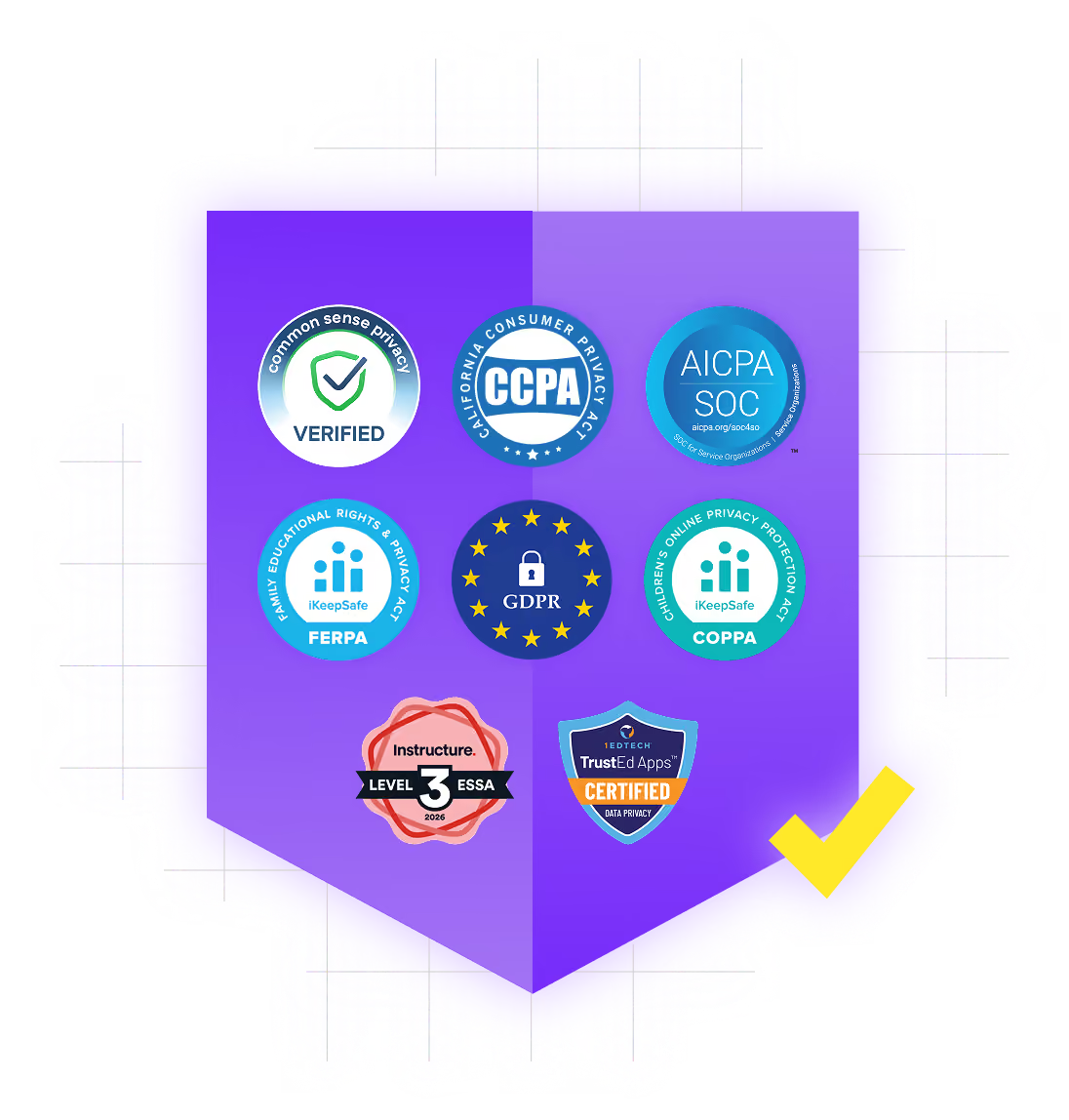
Data privacy you can depend on
We don’t use student or teacher data to train AI. Your information remains private, protected, and securely managed.
Responsible AI for education
Every feature includes built-in safeguards and is designed to help schools innovate confidently and responsibly.
Learn, connect, and make magic
Join a thriving community of educators turning AI for schools into everyday classroom magic.



Why classrooms love our AI for teachers
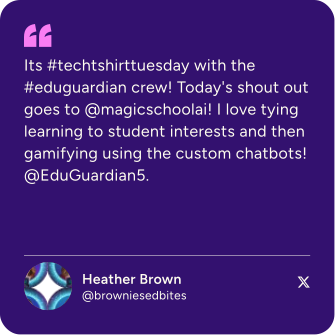
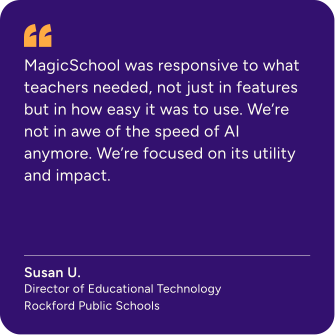
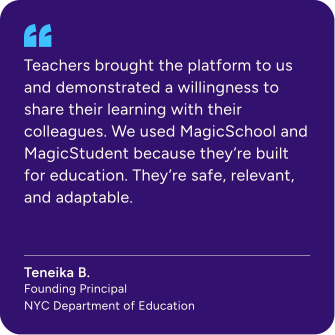
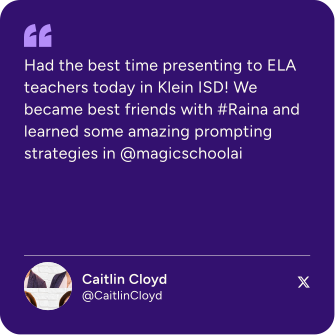
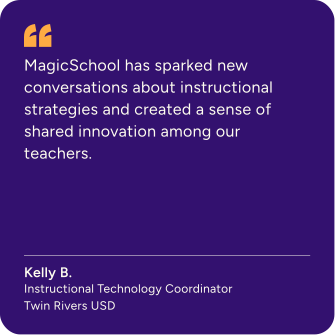
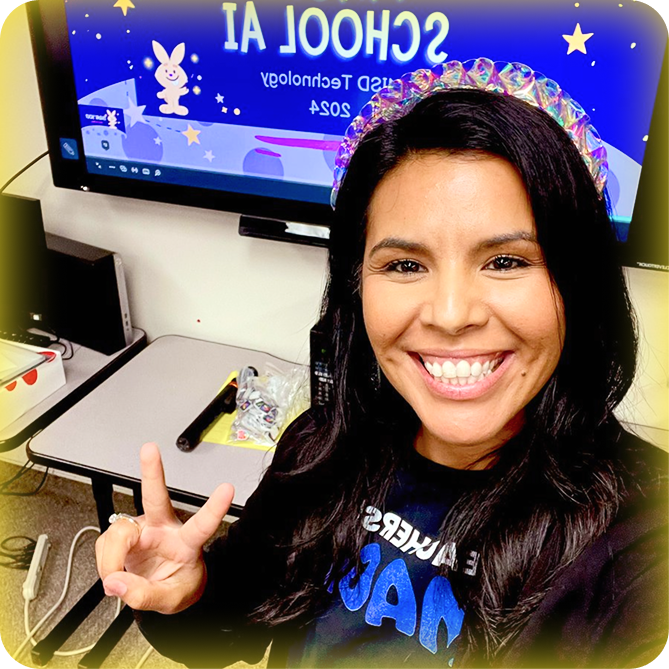
Hear from the educators who inspire everything we build.
.svg)

Your questions, answered
Find answers about plans, features, and using MagicSchool.
If my school or district doesn’t have MagicSchool Enterprise, can I still access all educator features?
Yes, teachers can use MagicSchool independently through Free or Plus plans. Enterprise adds district-level management and visibility, but classroom tools remain available to individual educators.
What are the differences between the Free, Plus, and Enterprise version of MagicSchool?
MagicSchool offers three plans to support different levels of use:
Free provides educators with access to core classroom tools and standard usage limits.
Plus increases usage limits and includes expanded features for educators who use MagicSchool more frequently.
Enterprise is built for schools and districts. It includes district-wide access, administrative dashboards, single sign-on, centralized management, and implementation support to help schools introduce AI responsibly.
You can compare current features and plan details on our Pricing page.
Is MagicSchool AI free to use?
Teachers can use MagicSchool for free, with core tools for lesson planning, assessments, differentiation, and communication. For many educators, the Free plan is enough to meaningfully reduce planning time week to week.
Educators who use MagicSchool more regularly choose Plus for expanded usage and additional features. Schools and districts can adopt Enterprise to support district-wide access, single sign-on, administrative visibility, and thoughtful implementation.
A full comparison of plans is available on our Pricing page.
What are best practices for using MagicSchool appropriately?
MagicSchool is designed to support teaching and learning, not replace professional judgment. We recommend using AI to draft, brainstorm, organize, and differentiate materials, then reviewing and refining outputs before sharing them with students.
For student use, AI works best when it supports thinking rather than doing the thinking for them. Educators should set clear expectations about when and how AI tools can be used in class, just as they would with any other instructional resource.
MagicSchool provides guidance and guardrails to help schools model responsible, age-appropriate AI use.
How does MagicSchool’s AI work? Which Large Language Model(s) (LLMs) do you use?
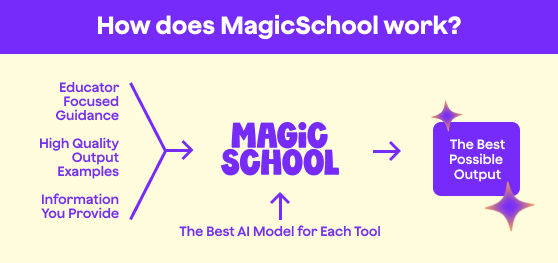
MagicSchool uses multiple large language models, including models from OpenAI, Anthropic, and Google, depending on the task. Requests are routed to models best suited for educational use cases within a system designed specifically for K–12 classrooms.
Student data is encrypted and is not used to train external AI models. All outputs are delivered within a platform that includes guardrails, moderation, and teacher oversight.