AI multiple choice quiz generator
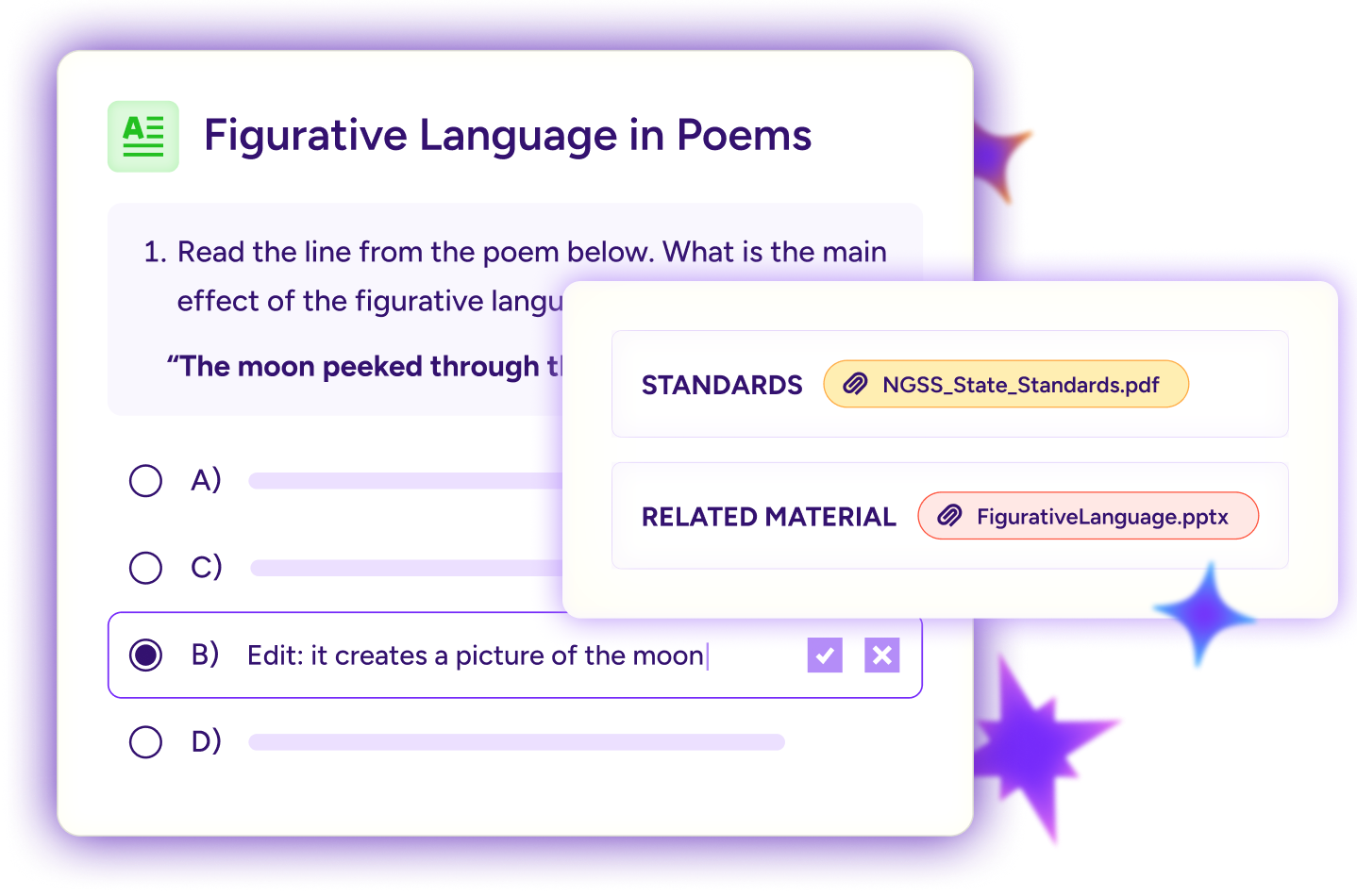
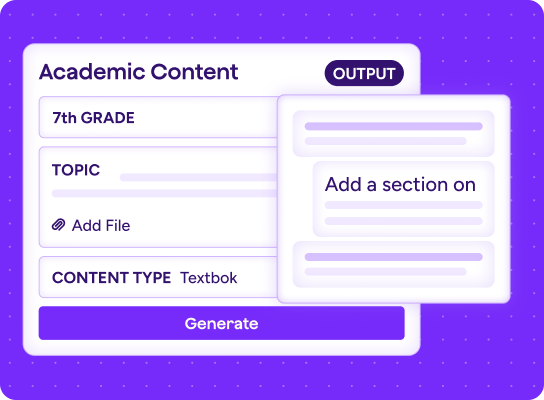
Turn any text or topic into a ready-to-use multiple choice quiz, then tailor the questions to your grade level and learning standards.
More time for teachers.
More possibilities for students.
4 in 5 teachers report improved student engagement and learning behaviors.
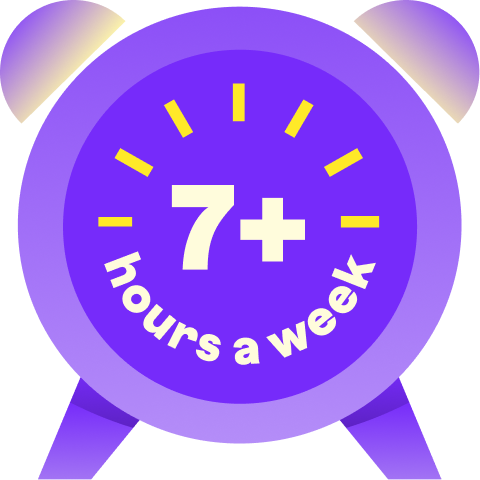
94% of teachers who use MagicSchool report gaining 7+ hours per week.
77% of teachers report MagicSchool has significantly improved their quality of life.


Better teaching, stronger
learning outcomes
See how MagicSchool helps educators move through everyday tasks with more time to focus on their students.
“What we just learned becomes a ready-to-use quiz.”


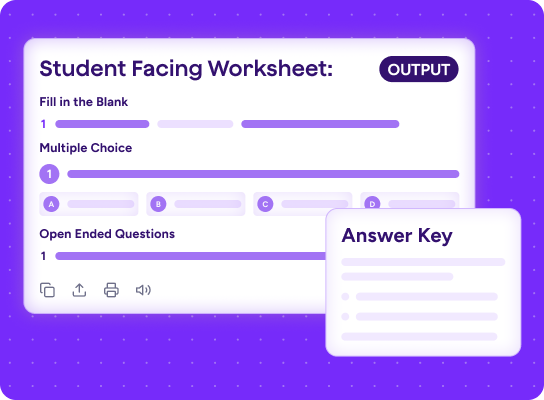
Start with a text or topic and create questions connected directly to your lesson, complete with answer choices and an answer key.
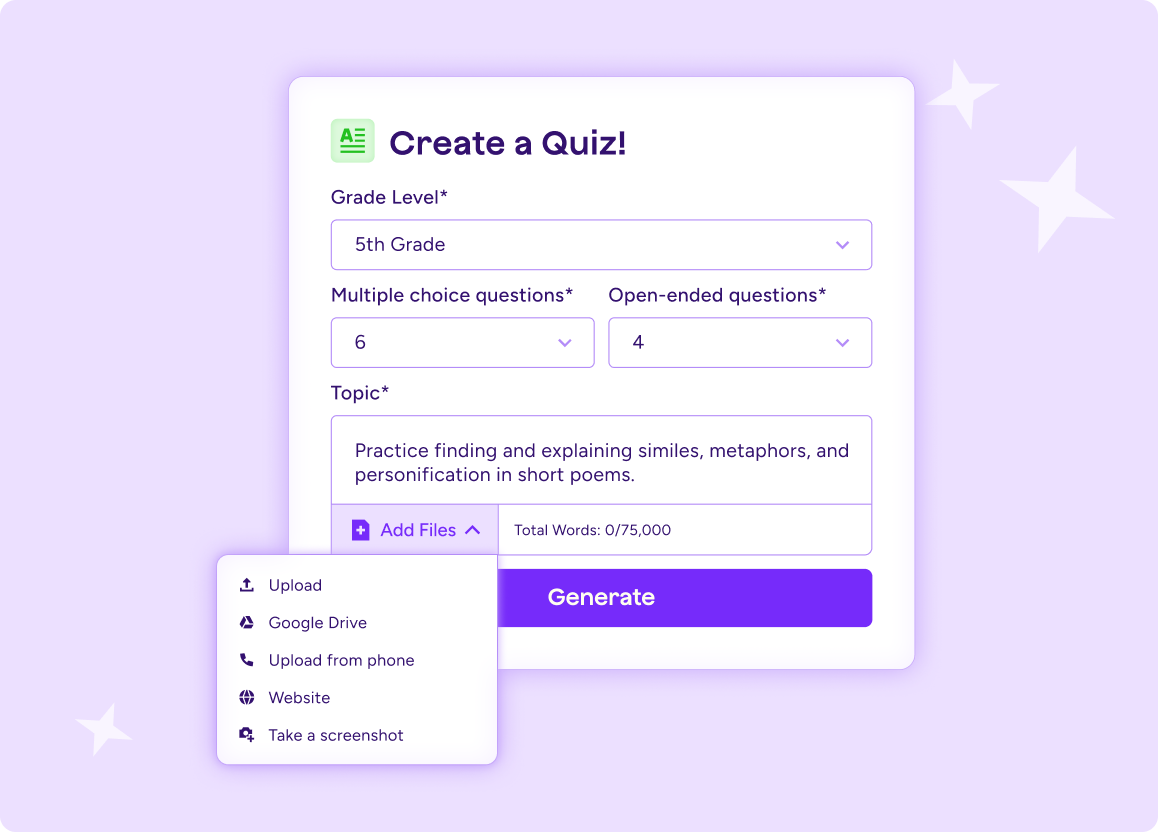
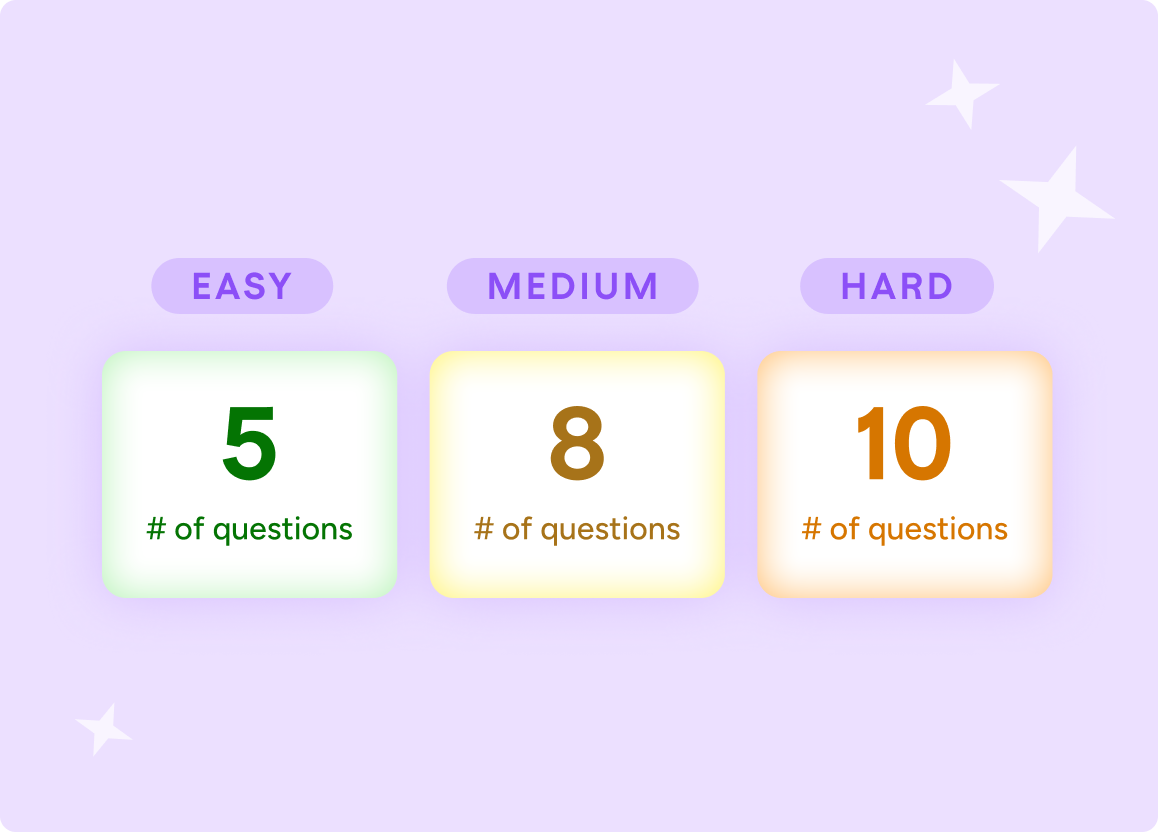
“One quiz can work for every class I teach.”
Adjust the difficulty, number of questions, or areas of focus to create a version that fits each grade level or group of learners.
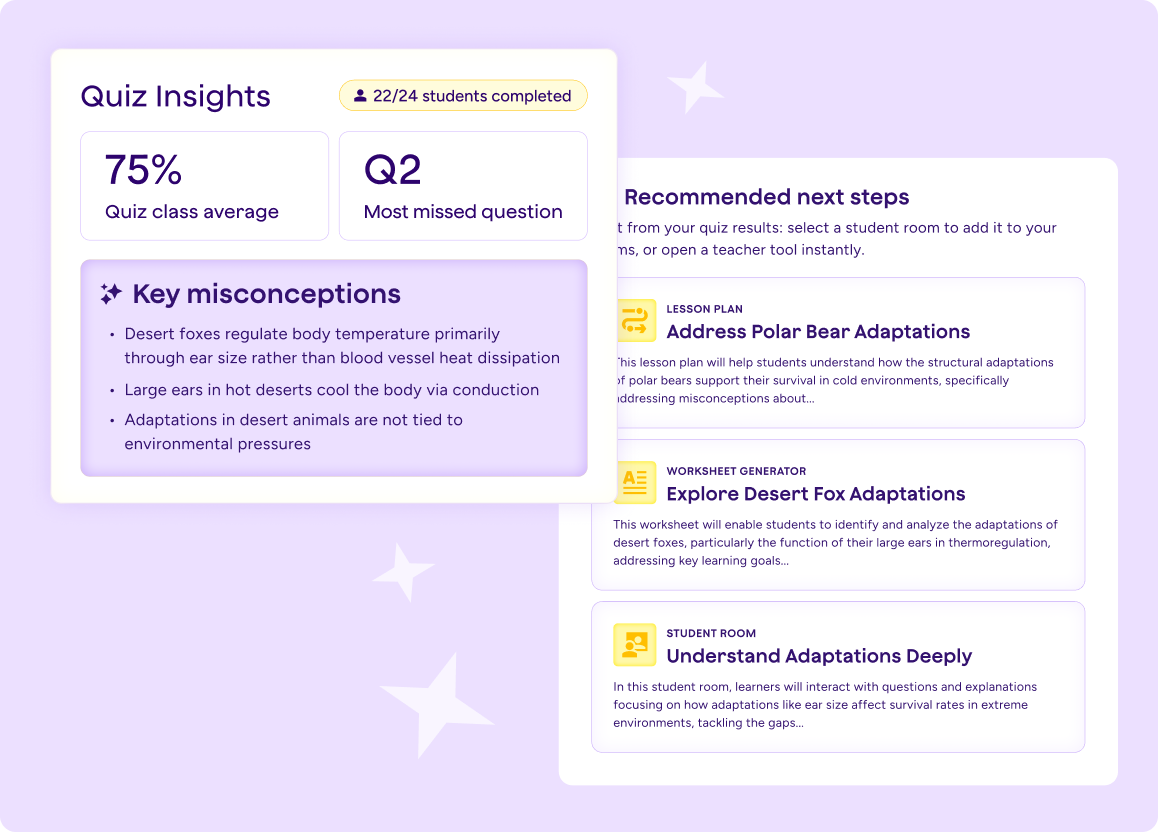
“I can see what clicked with my class and what needs another look.”
Check students’ understanding with questions grounded in the material they learned, so you know where they’re ready to move forward and where they may need more support.

Why classrooms love our AI for students
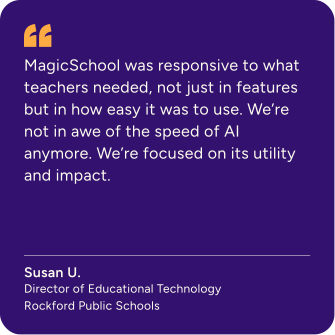
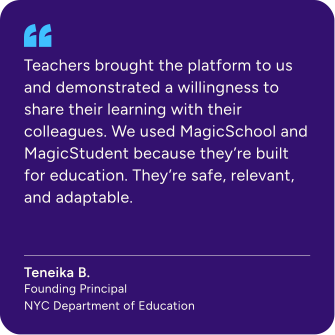
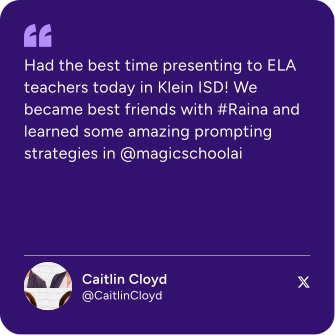
Hear from the educators who inspire everything we build.
.svg)

Everything you need,
in one place
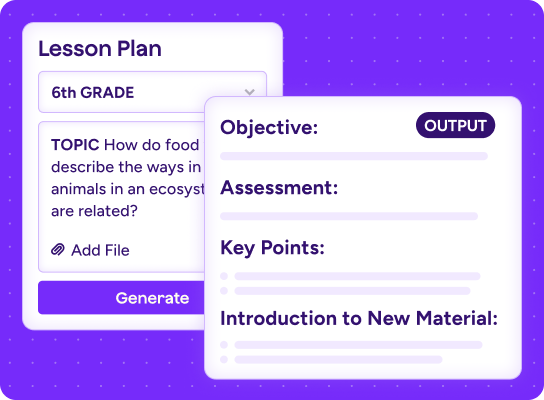
Move from lesson planning to assessment, feedback, and differentiation with everything connected in one safe, educator-led platform.

Your questions, answered
What is an AI multiple choice quiz generator?
An AI multiple choice quiz generator turns a text, topic, or learning objective into ready-to-use questions with answer choices and an answer key. You can then tailor the quiz to your grade level, standards, and lesson goals.
How can teachers create multiple choice quizzes with AI?
Share the text or topic you want to assess, along with your grade level and any standards you’d like to address. You’ll get a complete first draft you can review, edit, and bring to your classroom.
Can AI generate quizzes from a specific reading or text?
Yes. Paste in a reading, upload a document, or describe the content your students learned. The questions will be based on that material, so your quiz reflects what you taught.
Can AI create multiple choice quizzes for different grade levels and learning standards?
Yes. You can adjust the difficulty, number of questions, and areas of focus to create a version for each grade level or group of learners. You can also include specific learning standards to keep the questions aligned with your goals.
How can teachers save time creating multiple choice quizzes with AI?
Instead of writing every question and answer choice from scratch, you can start with a complete quiz built around your content. Make a few edits for your students, and you’re ready to assess what clicked with your class—and what may need another look.