YouTube video question generator
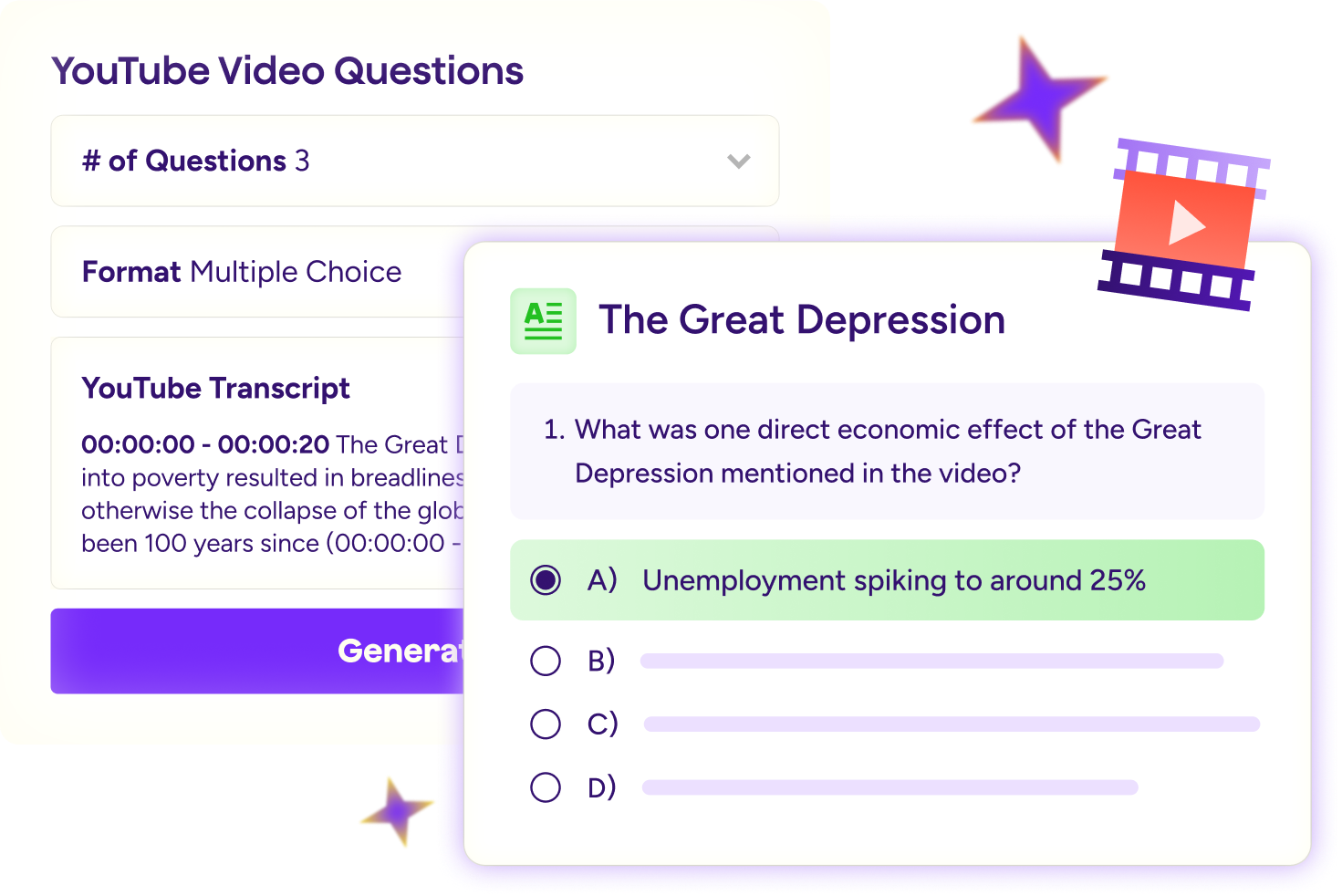
Turn any YouTube video transcript into questions that check understanding, spark discussion, and keep students thinking.
More time for teachers.
More possibilities for students.
4 in 5 teachers report improved student engagement and learning behaviors.
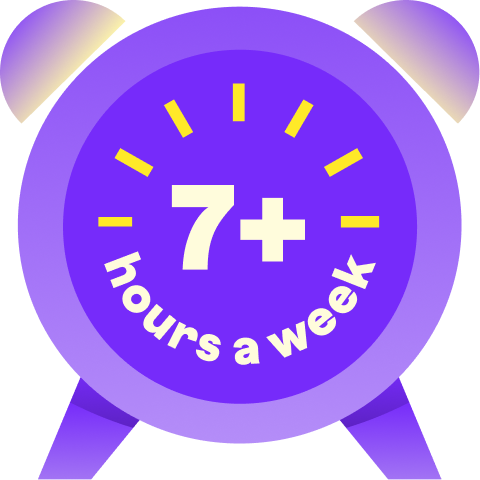
94% of teachers who use MagicSchool report gaining 7+ hours per week.
77% of teachers report MagicSchool has significantly improved their quality of life.


Better teaching, stronger
learning outcomes
See how MagicSchool helps educators move through everyday tasks with more time to focus on their students.
“The perfect video is already a lesson waiting to happen.”


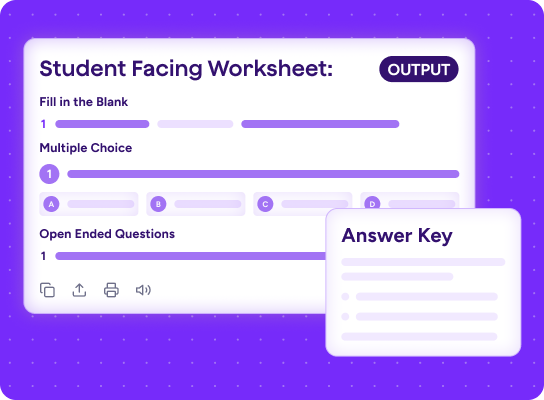
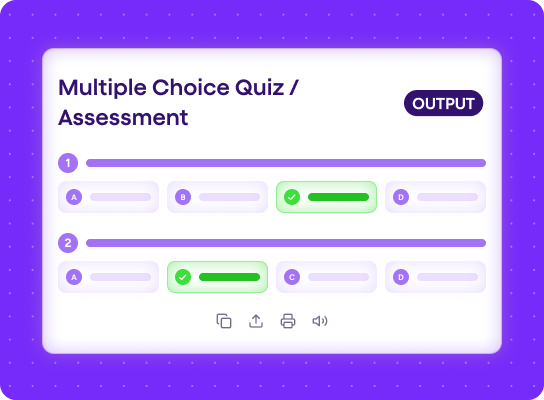
Paste the transcript to any YouTube video and turn it into open-ended, multiple-choice, or assessment questions in minutes.
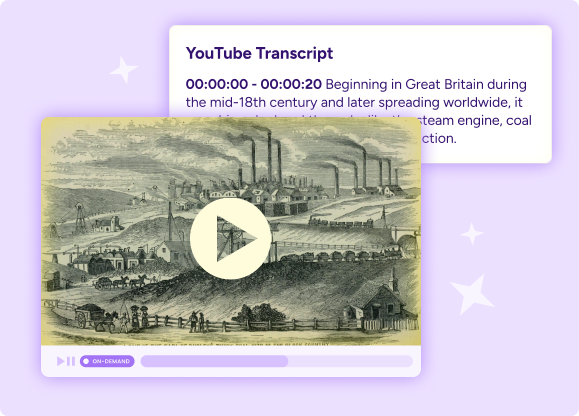
“My students do more than press play.”
Give them questions to think about before, during, or after the video so they stay curious, engaged, and ready to join the conversation.
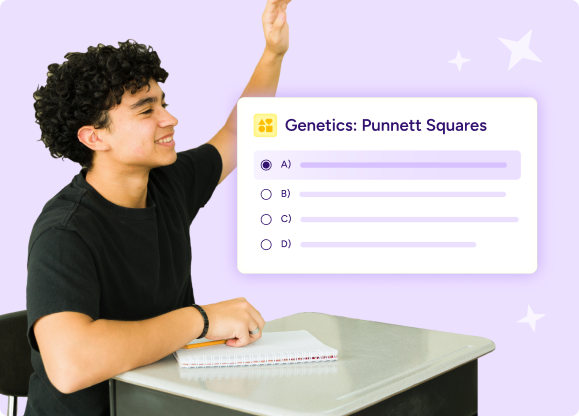
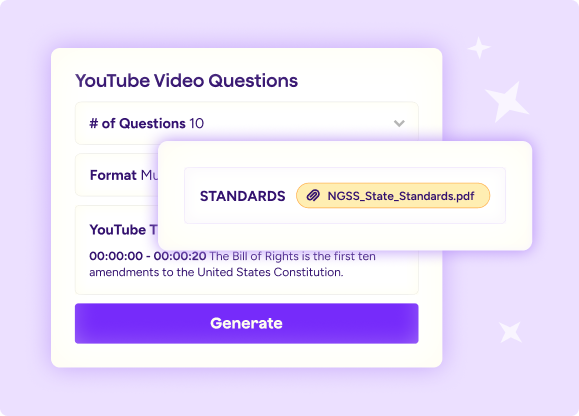
“I bring the video, and MagicSchool brings the first draft.”
Get questions based on the video’s content, then make them yours by aligning them to your standards, learning goals, or classroom discussion.

Why classrooms love our AI for students
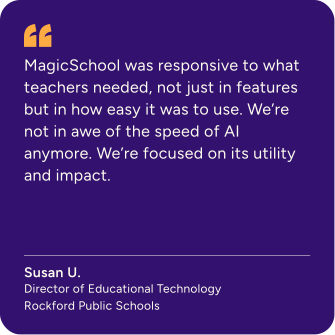
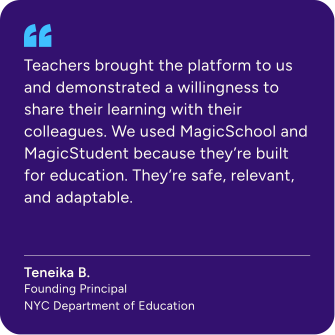
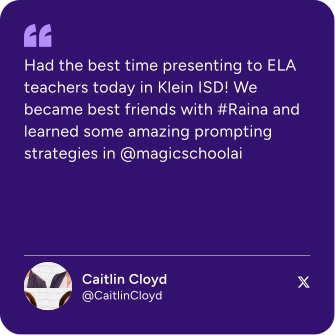
Hear from the educators who inspire everything we build.
.svg)

Everything you need,
in one place
Move from lesson planning to assessment, feedback, and differentiation with everything connected in one safe, educator-led platform.

Your questions, answered
What is a YouTube video question generator?
A YouTube video question generator turns a YouTube video transcript into ready-to-use questions for your students. Paste the transcript, choose the question type, and get a first draft built around what they’ll watch.
Can AI generate questions from educational videos?
Yes. As long as the video has closed captions or a transcript, the tool reads the content and builds questions that match what's in the video. You choose the format: open-ended, multiple choice, or targeted to specific learning standards.
How can teachers use YouTube videos to support student learning?
Pair videos with questions students can consider before, during, or after watching. This gives them a reason to watch closely, think about the content, and come ready to respond.
How can video questions improve student comprehension and engagement?
The right questions help students do more than press play. They encourage students to notice key ideas, make connections, and show you what they understood.
How can teachers save time with an AI YouTube Question Generator?
Instead of writing every question from scratch, you can start with a set based on the video itself. Make a few quick edits to fit your learning goals or standards, and your activity is ready to go.