August MagicDrop: what’s new in MagicSchool

New ways for teachers to create engaging content and understand student learning, plus more control for districts to align and safeguard AI use across their schools.

Teachers need tools that help them bring ideas to life, while district teams need clear ways to shape how AI works across their schools.
This month’s MagicDrop creates more possibilities on both fronts. Teachers have new ways to design classroom content and understand student learning. District teams can make MagicSchool more responsive to their local context, easier to manage, and better aligned with their safety protocols.
Here’s how the latest updates can support your schools.
Bring classroom ideas to life in seconds
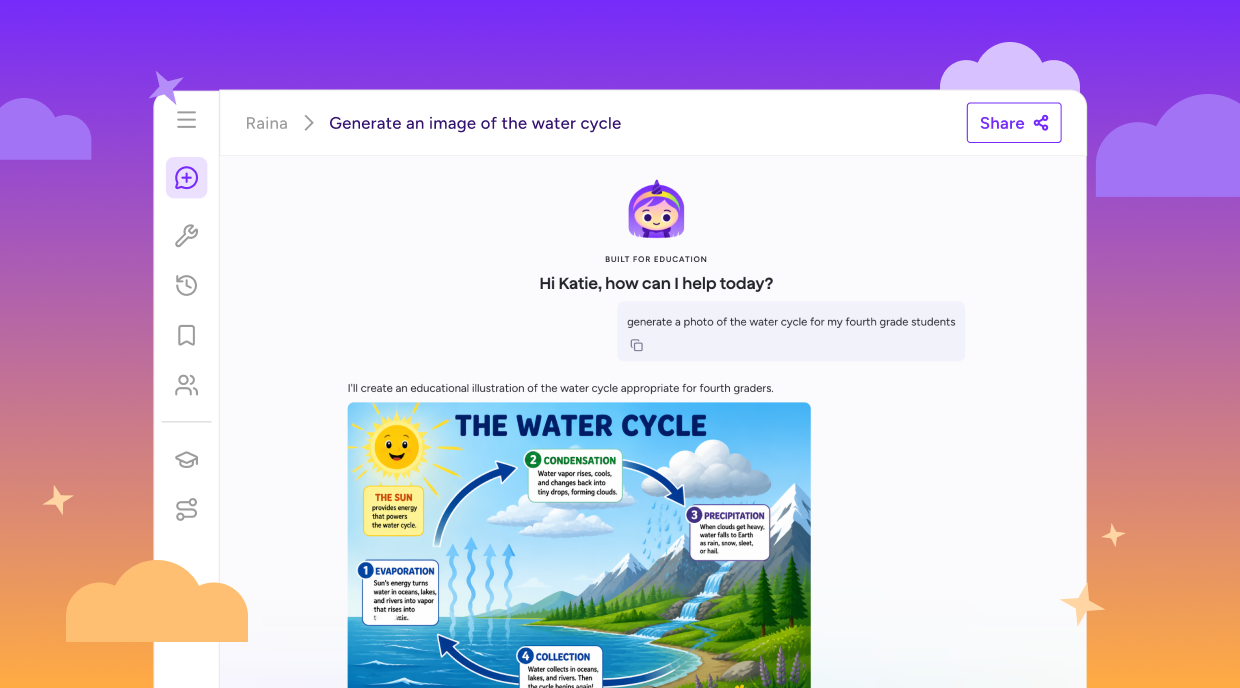
A custom visual can make a complex concept click, bring a lesson to life, or help more students access the material. Teachers can now generate the highest quality images directly in Raina, right where they’re already creating classroom content.
Describe what you need, from an illustration for a lesson to a custom classroom visual, and Raina will help you create it without switching tabs or opening another tool.
Get a fuller picture of student understanding
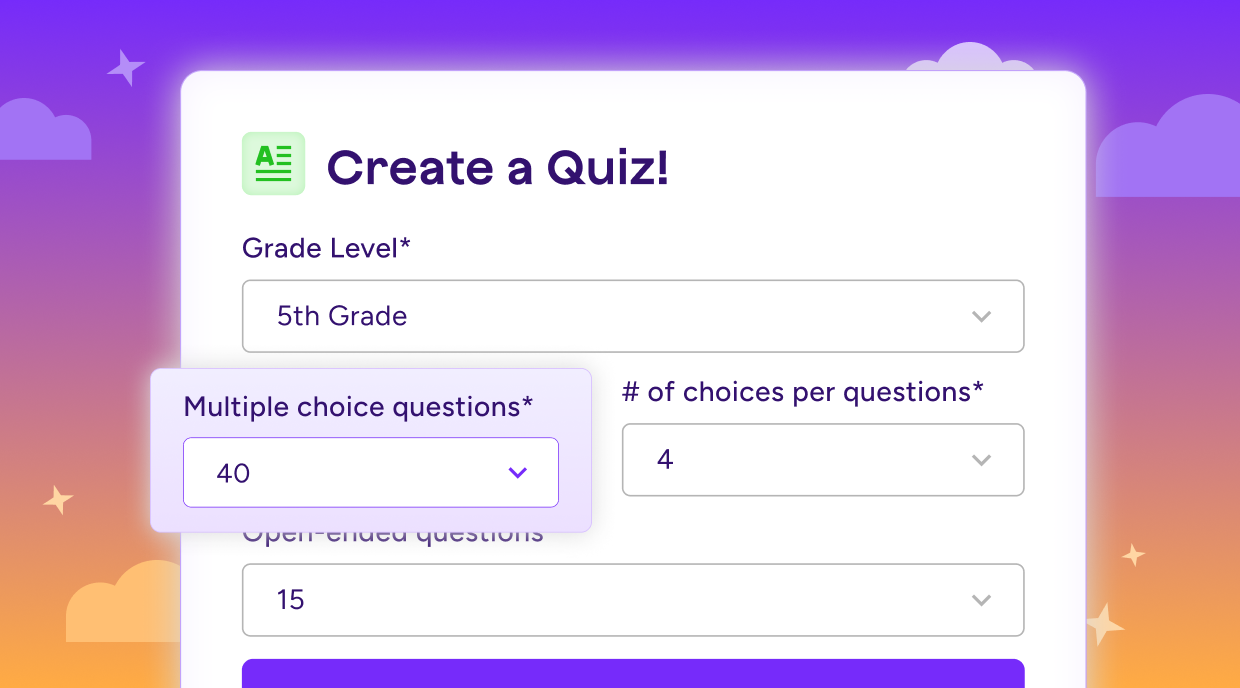
Teachers need the flexibility to assess learning in the way that works best for their students and subject area. MagicQuizzes now supports up to 40 questions per assessment, making it possible to create more in-depth, standards-aligned quizzes.
That added flexibility can help teachers see what students understand, identify gaps, and determine where more support may be helpful.
Give teachers answers grounded in your district
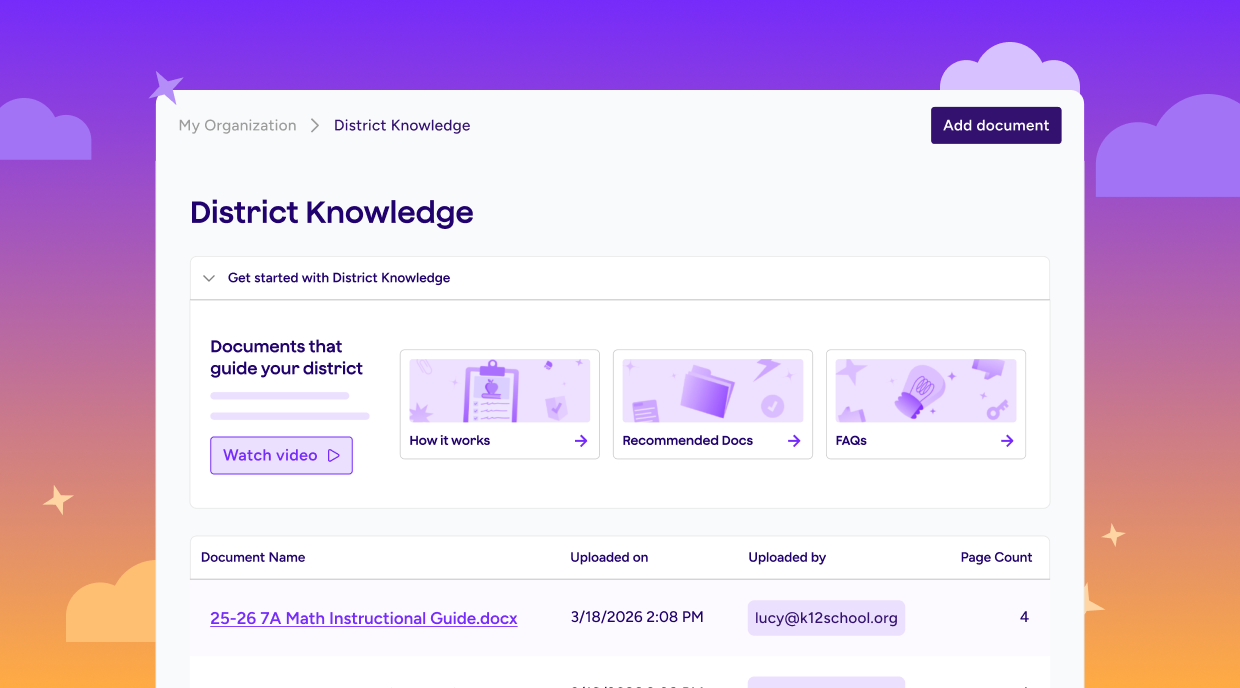
District guidance is most useful when educators can find it when they need it. District Knowledge brings your curriculum, pacing guides, policies, and other resources into the MagicSchool experience, with no connector setup required.
Once documents are uploaded, teachers can create content and ask Raina questions using district-specific information. They get relevant answers where they’re already working, without searching through lengthy PDFs or wondering whether the guidance reflects district expectations.
Upload resources once, and that context becomes available throughout MagicSchool.
Make districtwide tools easier to manage
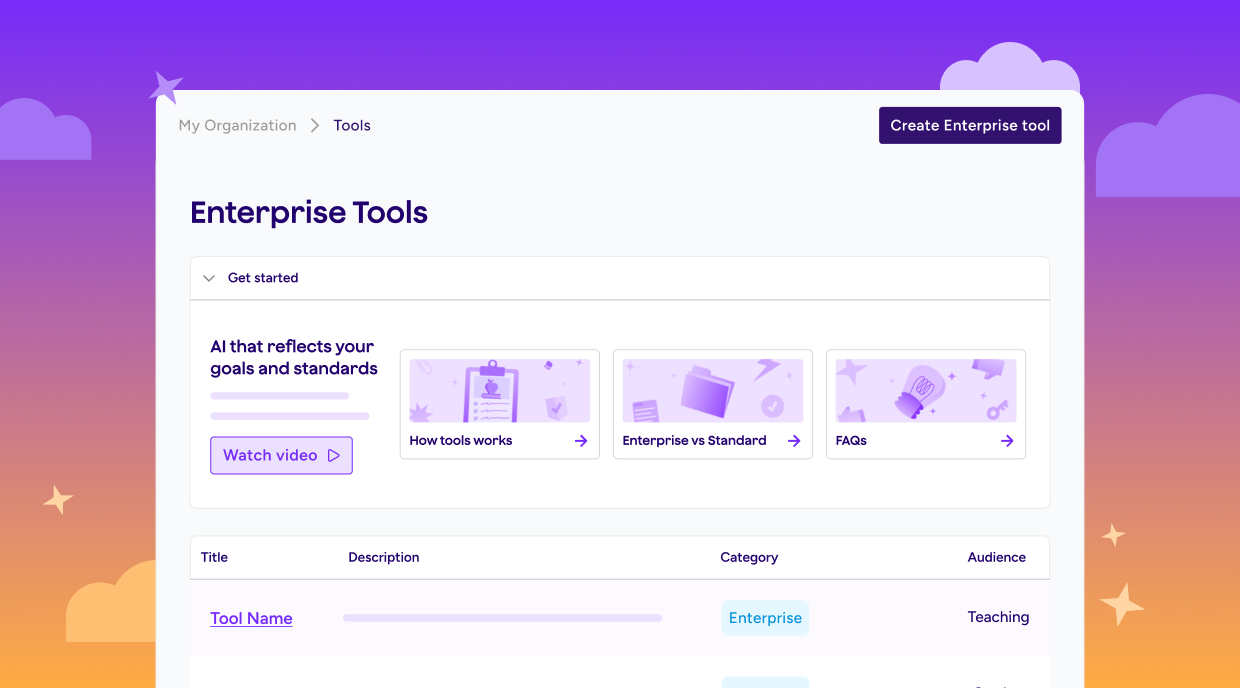
Managing AI across an organization should feel clear and straightforward. Enterprise Tools and Tool Access are coming together on a single settings page, giving Org Admins one place to manage and share tools across their organization.
The unified view makes it easier to find available tools, control access, and create custom AI experiences that reflect district priorities.
Put your safety protocols into practice
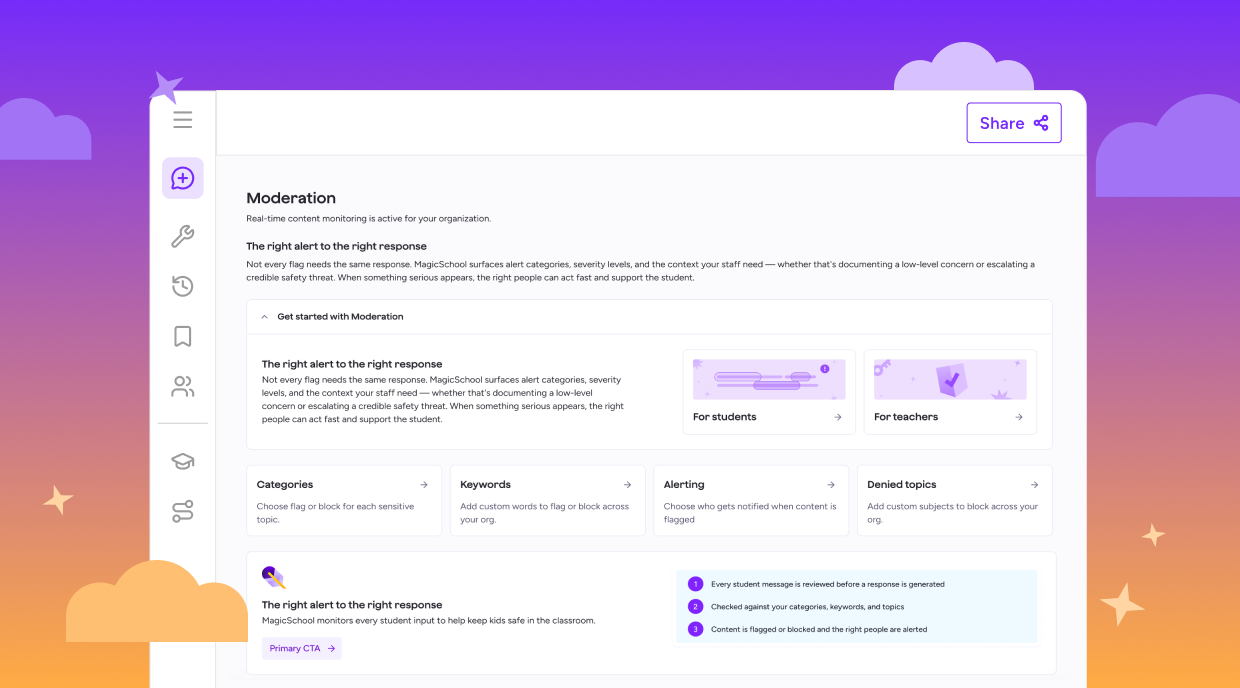
Every district approaches student safety with its own policies and priorities. Advanced Moderation gives district teams an education-aware safety system that can be configured by category, keyword, and severity.
Org Admins can determine how MagicSchool responds to flagged content based on their district’s protocols. A redesigned Moderations landing page also makes settings easier to understand and update from day one, without submitting a support ticket.
As your district’s needs evolve, your safeguards can evolve with them. Together, these updates give teachers more ways to create meaningful learning experiences and give district teams greater visibility and control across their schools. Explore what’s new.
How can teachers use AI to create classroom visuals?
Teachers can use AI to generate custom visuals that illustrate complex concepts, bring lessons to life, and make classroom content more accessible. With MagicSchool, teachers can describe the visual they need and generate it directly in Raina, without switching to another tool.
Can teachers use AI to create longer, standards-aligned quizzes?
Yes. AI can help teachers build more comprehensive assessments to evaluate student understanding and identify learning gaps. MagicSchool’s MagicQuizzes supports standards-aligned assessments with up to 40 questions, giving teachers more flexibility to assess learning and plan additional support.
How can schools make sure AI-generated content aligns with district curriculum and policies?
Schools can ground AI tools in approved curriculum, pacing guides, policies, and other district resources. MagicSchool’s District Knowledge allows districts to upload these materials so teachers can ask Raina questions and create content informed by district-specific guidance.
How can districts manage which AI tools teachers can access?
Districts should look for an AI platform that gives administrators centralized control over available tools and access. MagicSchool gives Org Admins a unified settings page where they can find and share tools, control access, and create custom AI experiences aligned with district priorities.
Can districts customize AI safety and content-moderation settings?
Yes. Configurable moderation settings can help districts apply their own safety policies and determine how flagged content is handled. MagicSchool’s Advanced Moderation allows Org Admins to configure responses by category, keyword, and severity, so safeguards can reflect and evolve with district protocols.