September MagicDrop: what's new in MagicSchool

Create presentations and classroom visuals, export resources more seamlessly, and get more personalized support from Raina.

Teachers rarely start with a blank slate. You might have the lesson mapped out in your head, know the visual you wish you had, or already have the content and just need to turn it into something you can use with students.
This month, we’re making it easier to bring more of that work to life right in MagicSchool. You can build a complete presentation, create your own classroom visuals, export materials with your formatting intact, and get more help from Raina right from the start. Here’s what’s new.
Build the presentation you need, right in MagicSchool
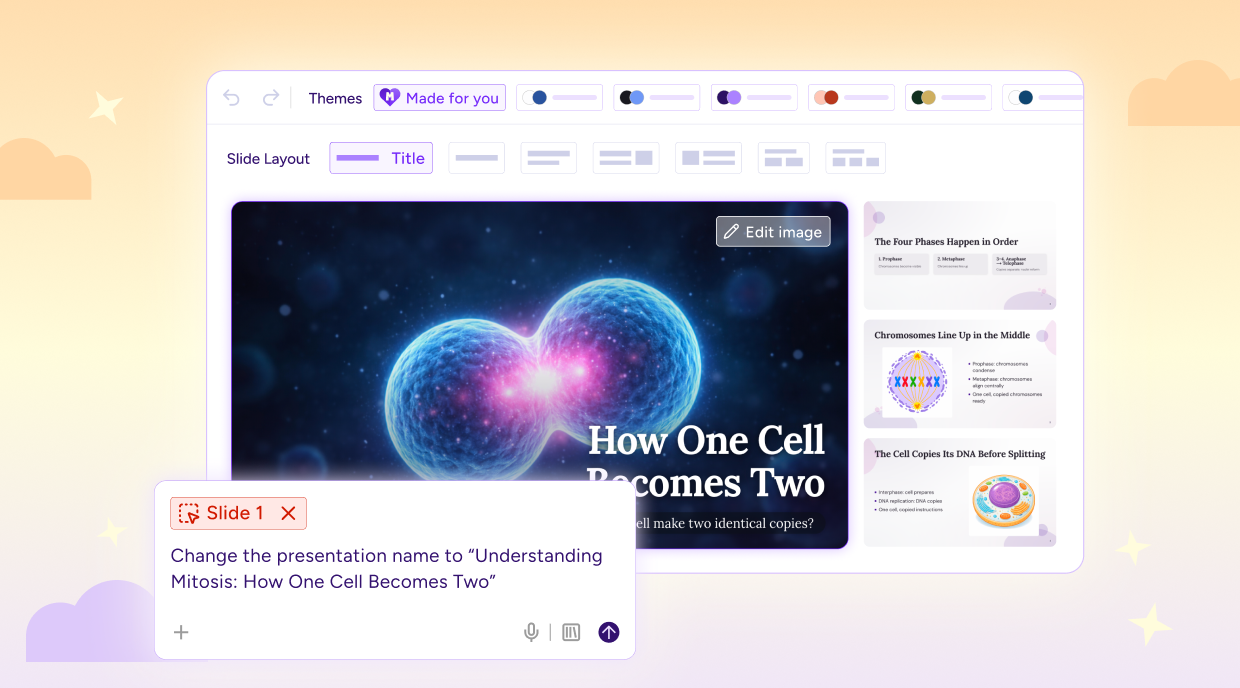
You already know what you want students to learn. Now, you can turn your idea into a complete, classroom-ready presentation in seconds.
Tell Raina what you need or fill out the Presentation Generator tool form, and MagicSchool creates a deck with images, varied layouts, and a cohesive theme.
From there, you’re in control. Edit the text, try a different design, or ask Raina to refine an individual slide. When you’re happy with it, export directly to Google Slides or PowerPoint with your images and design intact.
The result is a presentation you can make your own and teach from, without having to rebuild it somewhere else.
Make the visual you couldn’t find
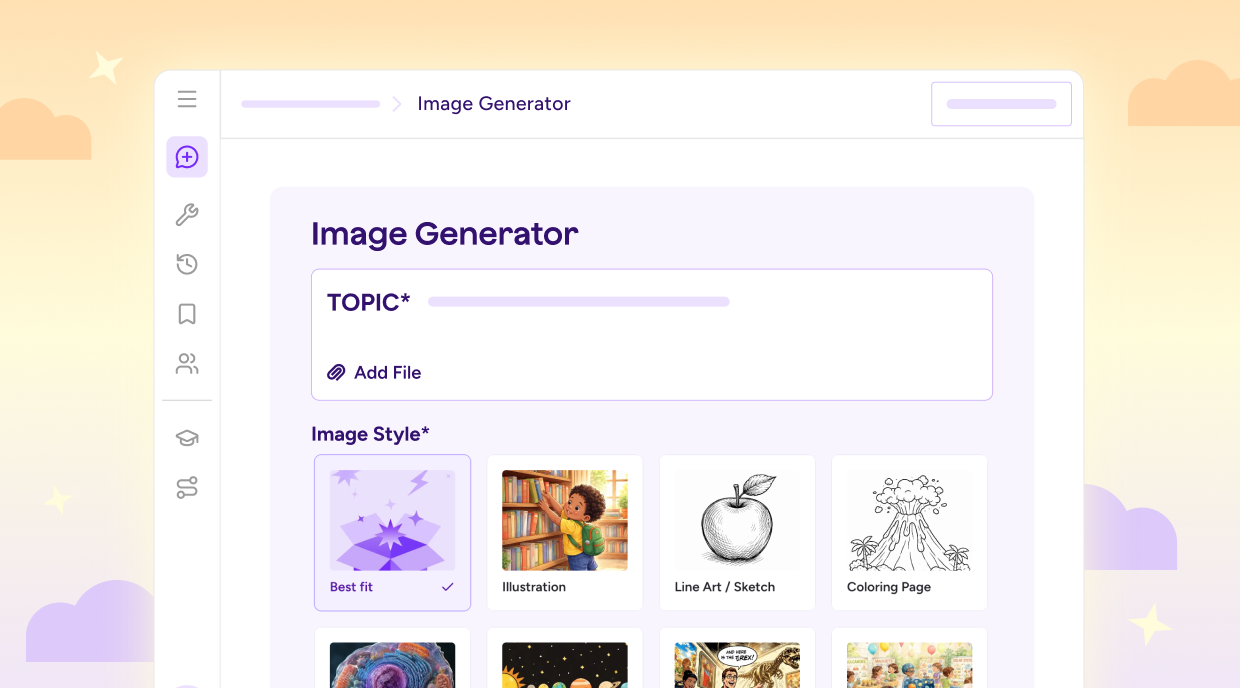
We’ve all had the experience of searching for an image that would be perfect for a lesson, only to come up empty.
With the new Image Generator Teacher Tool, you can create your own. Describe what you need, including the grade level or visual style you have in mind, and create it without leaving MagicSchool. Every image is safety-screened before it reaches students.
If you’re not sure where to begin, the new Image Gallery has 30 examples to explore, including anatomy diagrams, bilingual worksheets, and coloring pages. Open one you like to see the prompt behind it, then copy it or adapt it for your own lesson.
What you see is what you export
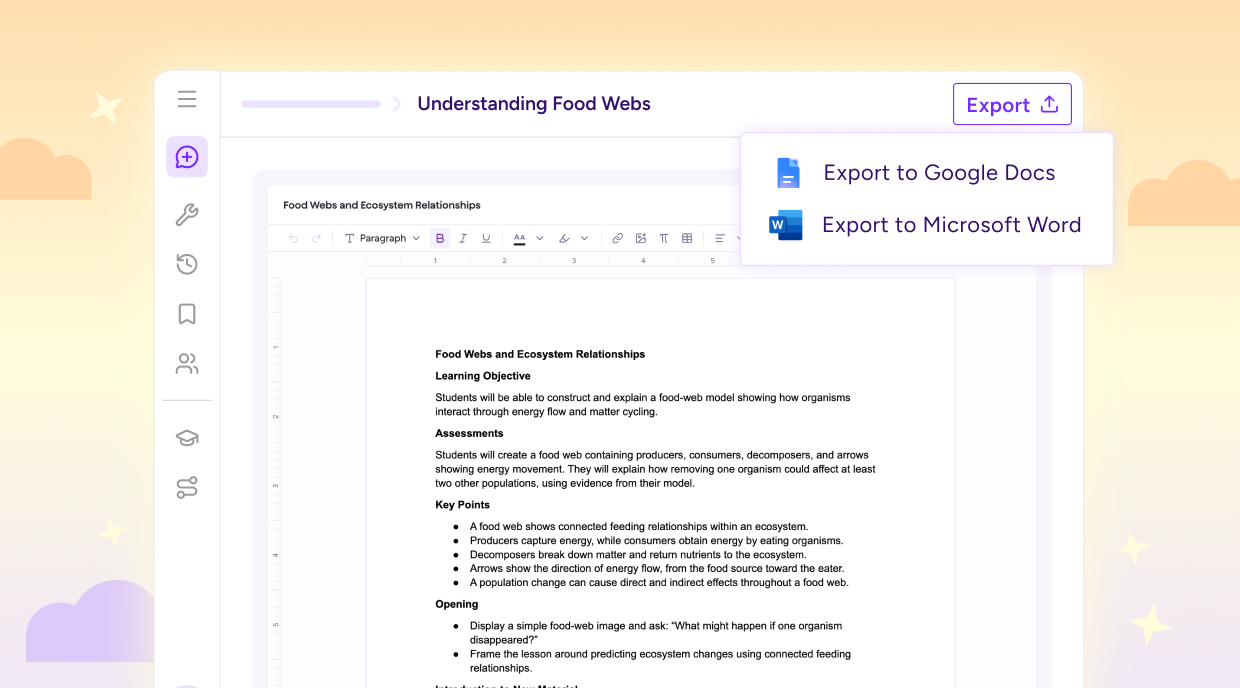
When you get a resource just right in MagicSchool, it stays that way when you export it. Bold, italics, and underlining carry over cleanly into Word, Google Docs, and print, and your formatting stays intact when you copy content into another tool.
We’ve also updated the editor to more closely match the final file, so you’ll have a better sense of how your resource will look while you’re creating it.
Raina starts with a little more context

What if Raina already knew what you teach when you started a conversation? Now, she can use the grade level and subject you provided at sign-up to help you get to ideas and resources that fit your classroom even faster.
If you teach 4th grade science and ask for a first-day activity, Raina can tailor her response with that context in mind. If you work across multiple grades or subjects, she can ask a more specific follow-up, like whether something is for your 3rd or 4th graders.
See what’s new in MagicSchool
All of these updates are available now in MagicSchool. Try Presentation Generator, create something with the Image Generator, or start a conversation with Raina and see what’s changed.
MagicSchool is free for teachers. Sign up or jump back in and bring your next idea to life in your classroom.
What is MagicSchool’s Presentation Generator?
MagicSchool’s Presentation Generator helps teachers create classroom-ready presentations with images, varied layouts, and cohesive themes. Teachers can edit their deck in MagicSchool and export it to Google Slides or PowerPoint.
Can teachers generate images with MagicSchool?
Yes. MagicSchool’s Image Generator lets teachers create classroom visuals by describing the image, grade level, and visual style they need. Generated images are safety-screened before they reach students.
Can I export MagicSchool resources to Google Docs or Word?
Resources created in MagicSchool keep formatting like bold, italics, and underlining when exported to Google Docs, Microsoft Word, or print, or copied into another tool.
Can I export MagicSchool presentations to Google Slides or PowerPoint?
Presentations can be exported directly from MagicSchool to Google Slides or Microsoft PowerPoint, with their images and design intact.
How does MagicSchool's Raina personalize responses for teachers?
Raina can use the grade level and subject a teacher provided at sign-up to tailor ideas and resources to their classroom. When more context is needed, Raina can ask a follow-up question.