Back-to-School MagicDrop: what's new for teachers
Back-to-school updates that help you spend less time searching, setting up, and starting over.

Every new school year comes with a fresh start and plenty to prepare before the first day of class. Between lesson planning, creating materials, and getting organized, a lot of time gets spent just getting ready.
This year, we're making that easier.
We've made improvements throughout the MagicSchool experience, from a more personalized home screen to upgrades across Raina, search, and resource management.
They're designed to help you find what you need faster, build on work you've already created, and spend less time getting set up. Here's what's new.
Personalized homescreen: A home screen that knows you
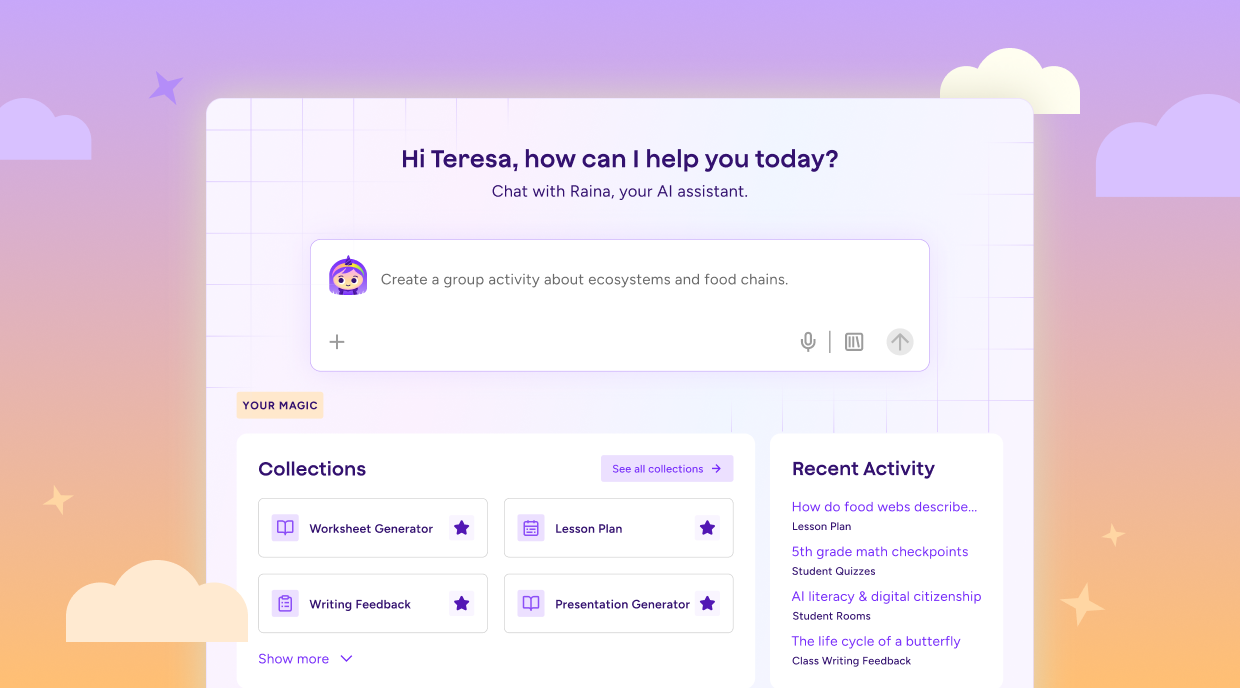
When you log in, you'll see Raina ready at the center, your recent work waiting, and recommendations based on what you actually teach. Instead of starting with a blank screen or searching for tools you've used before, you can pick up where you left off and get to work faster.
Day one feels different when the platform already understands how you teach, and the longer you use MagicSchool, the more personalized that experience becomes.
Raina: words into results
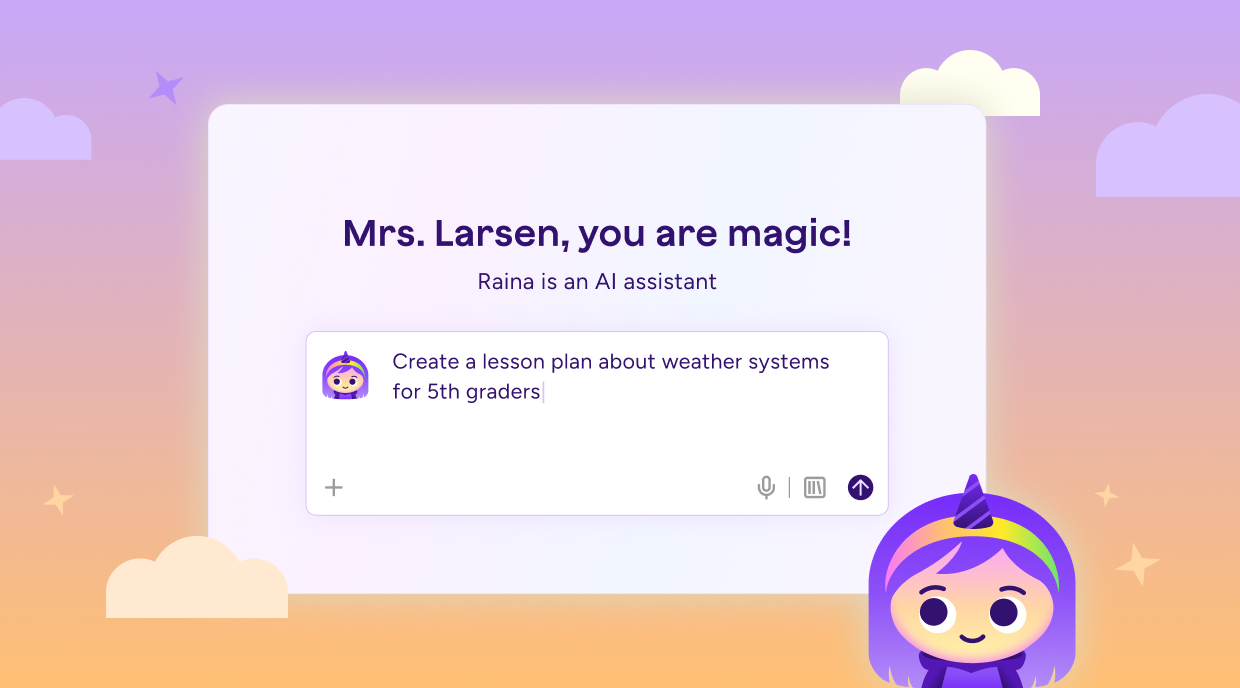
You know what you need to create. You just may not know which MagicSchool tool is the best place to start.
Raina helps close that gap. Tell her what you're working on in plain language, and she can guide you to the right tool or workflow. Using available context like your grade, subject, and teaching role, Raina helps make the experience feel more relevant from the start.
You bring the idea, and Raina helps you find the best path forward.
All Tools page: everything organized, nothing buried
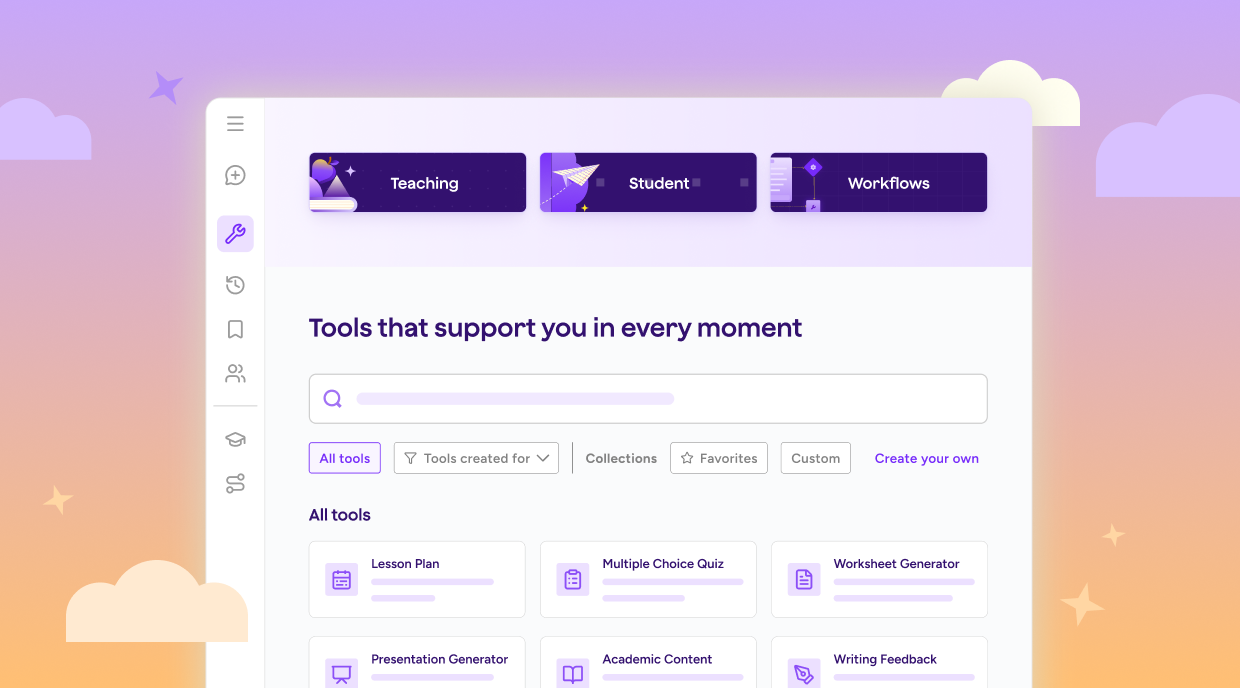
Finding the right tool used to mean scrolling through a long list and hoping you recognized the one you needed. The new All Tools page brings Teacher Tools, Student Tools, and Workflows together in one organized destination, complete with search, filters, and collections you can make your own.
Whether you're looking for a familiar favorite or exploring something new, it's easier to find what you need and get back to work.
Worksheet Generator: from prompt to print-ready
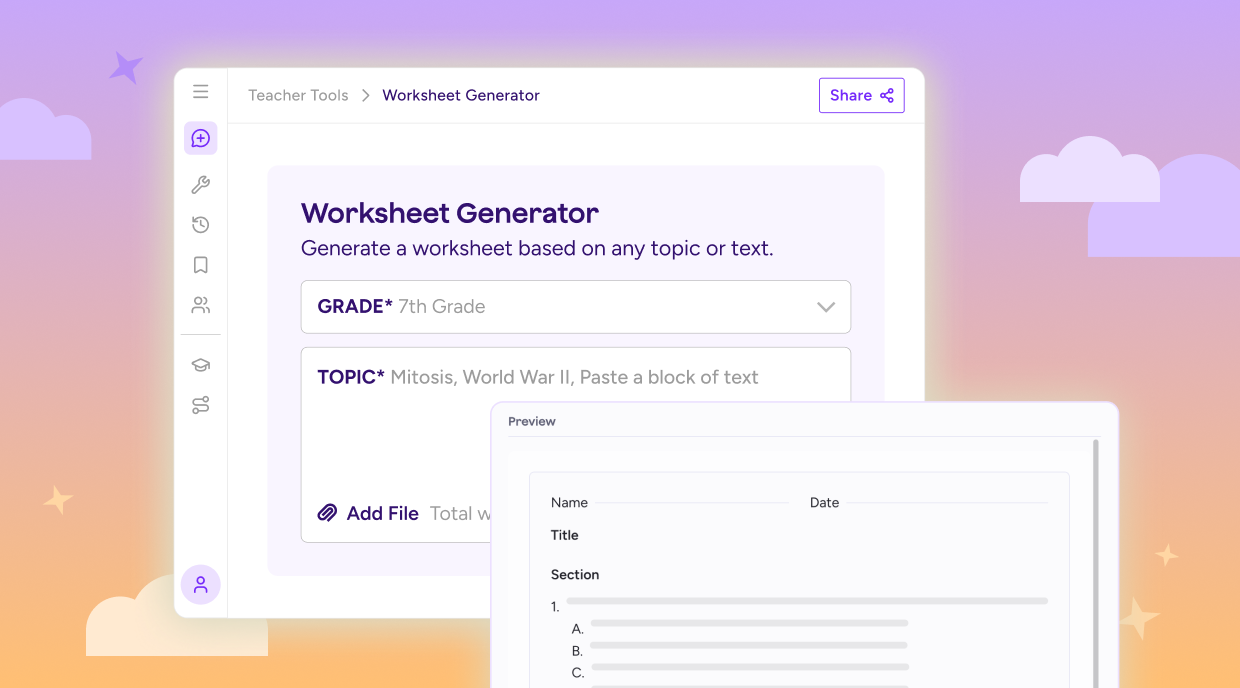
One thing we heard again and again from educators? Getting from idea to classroom-ready resource should take fewer steps.
Start with one of six classroom-ready templates, including Practice Worksheet, Reading Comprehension, Exit Ticket, Graphic Organizer, Vocabulary Builder, and Quiz Review. From there, you can preview the layout, make adjustments in Studio Mode, create versions for different learners, and export in the format that works best for you.
It's designed to help you create, adapt, and reuse materials without starting from scratch each time.
Unified chat history: everything you've made, right here
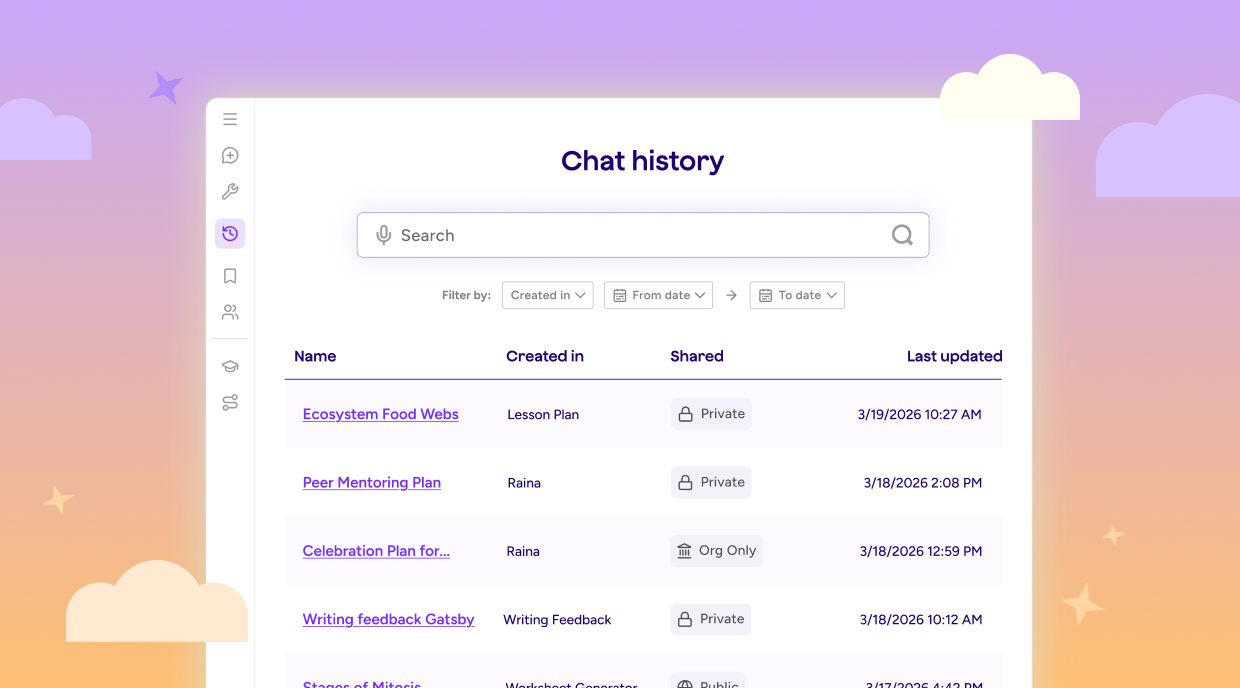
You made something great two weeks ago. The problem is remembering where it went.
Unified Chat History brings every tool output and Raina conversation together in one searchable place. Search by keyword, date, topic, or tool type, and save anything you want to keep to your Resource Library with a single click.
The next time you need something you've already created, it's easier to find and reuse.
Updated Resource Library: your teaching library that grows with you
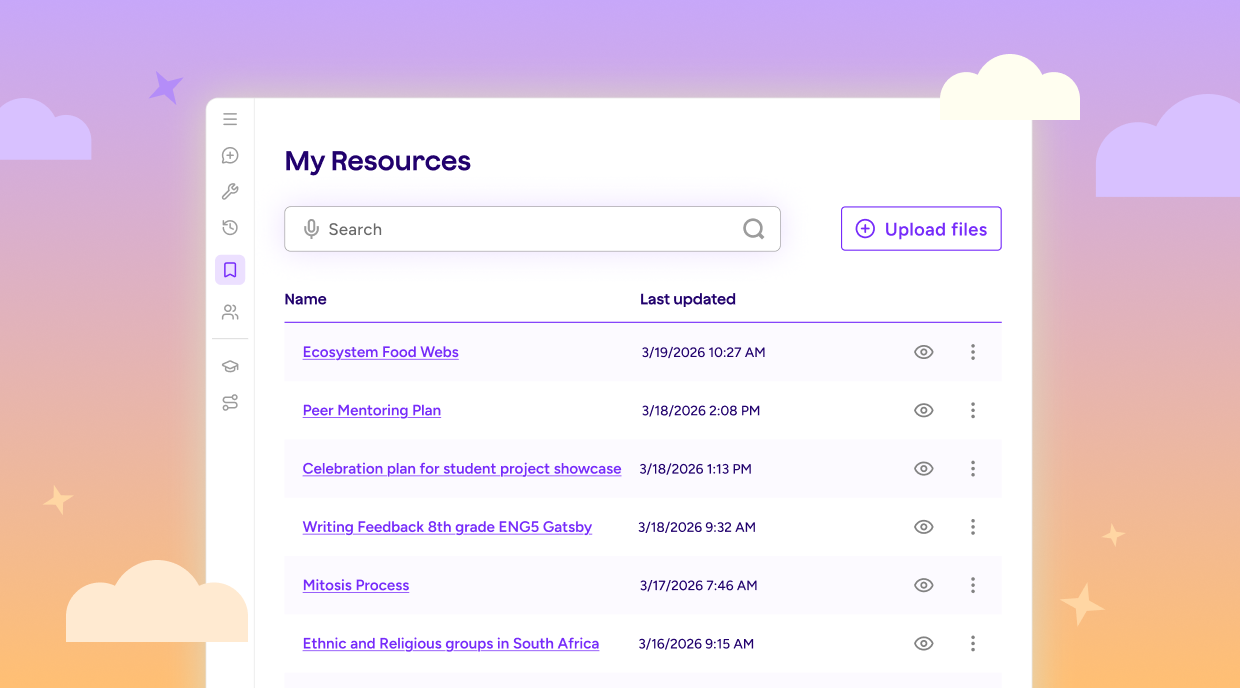
Your lessons, worksheets, rubrics, Raina conversations, and uploaded files all live in one place.
Find something you've already created, open it back up, and keep building from there. You can edit resources directly from your Resource Library, bring saved materials into Raina for your next task, and keep your best work organized for future lessons.
Over time, your Resource Library becomes more than a place to store files. It becomes a collection of the materials, ideas, and resources you use every day.
Safety escalation: the right alert to the right response
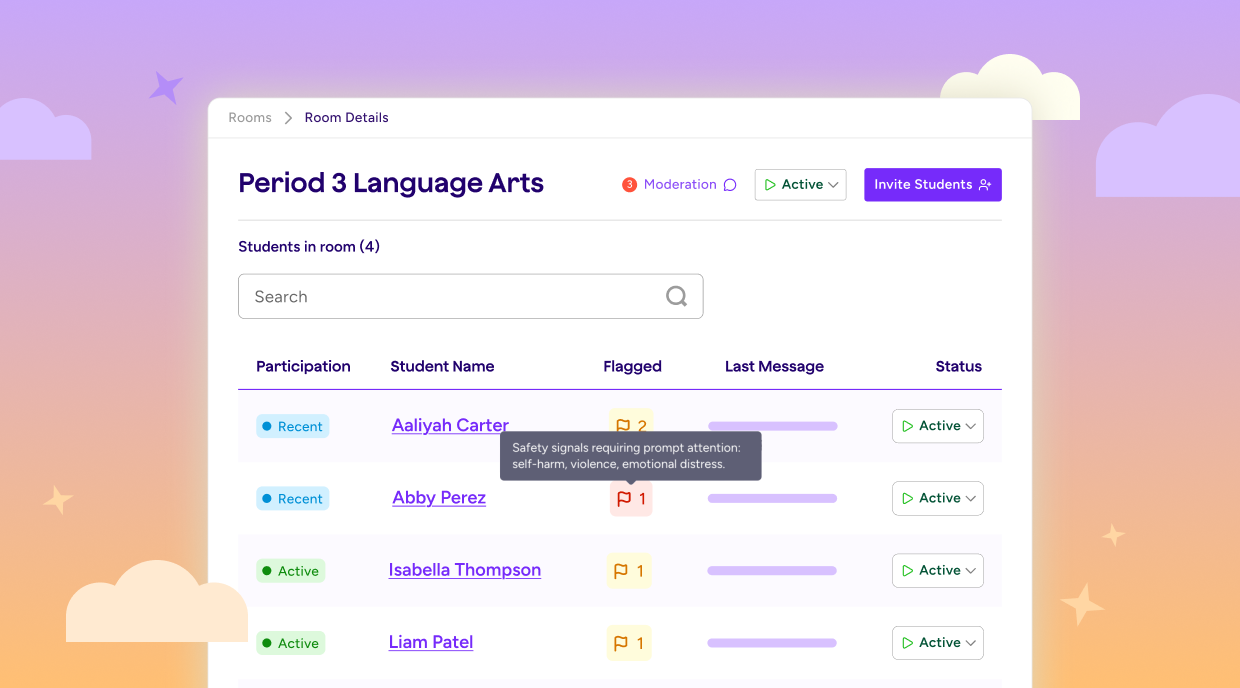
Not every moderation flag requires the same response. A student using concerning language in a history assignment is different from a credible threat, a self-harm statement, or an imminent safety concern.
MagicSchool helps school teams understand that context by surfacing alert categories, severity levels, and the information staff need to make informed decisions. Lower-level concerns can be reviewed and documented, while higher-level concerns can be escalated to the appropriate school team.
When a real safety concern appears, the right people have the information they need to respond quickly and support the student.
Designed for the school year ahead
The best tools don't add more steps. They help you find your footing faster, stay organized, and build on the work you've already done.
That's the thinking behind these updates. We built them to help you spend less time searching, setting up, and starting over — and more time focused on teaching.
We're excited to see what you create this year!
How can MagicSchool help teachers save time during Back-to-School planning?
MagicSchool helps teachers save time on many of the tasks that pile up at the start of the school year, including lesson planning, differentiation, assessments, family communication, and classroom preparation. With more than 80 AI tools built specifically for educators, teachers can spend less time creating materials and more time focused on students.
Is MagicSchool free for teachers?
Teachers can use MagicSchool for free, with core tools for lesson planning, assessments, differentiation, and communication. For more information, visit our Pricing page.
Can I use MagicSchool to create lesson plans, assessments, and feedback activities?
Yes. Teachers use MagicSchool to create lesson plans, quizzes, rubrics, writing feedback, differentiated materials, classroom communications, and more. From first-week activities to formative assessments and ongoing feedback, MagicSchool supports teaching and learning throughout the school year.
I'm new to MagicSchool. How can I learn from other educators and get support?
Welcome to MagicSchool! This Back-to-School season, join us for Summer Academy, certification courses, and office hours. They're great opportunities to learn new skills, get your questions answered, and connect with educators using MagicSchool in their classrooms.