June 2026 MagicDrop: what's new in MagicSchool this month

Class Writing Feedback gets major upgrades, and we roll out new integrations.

What we rolled out recently
Your grading workflow shouldn't have to bend around your tools. This month, Class Writing Feedback adds rubric flexibility, Canvas and Schoology integrations, PDF exports, and OneDrive support so the feature fits the way you work. Districts with Enterprise plans also get the ability to build and share custom AI tools for students at scale.
Take a look at recent releases!
Export writing feedback as PDFs
What’s new
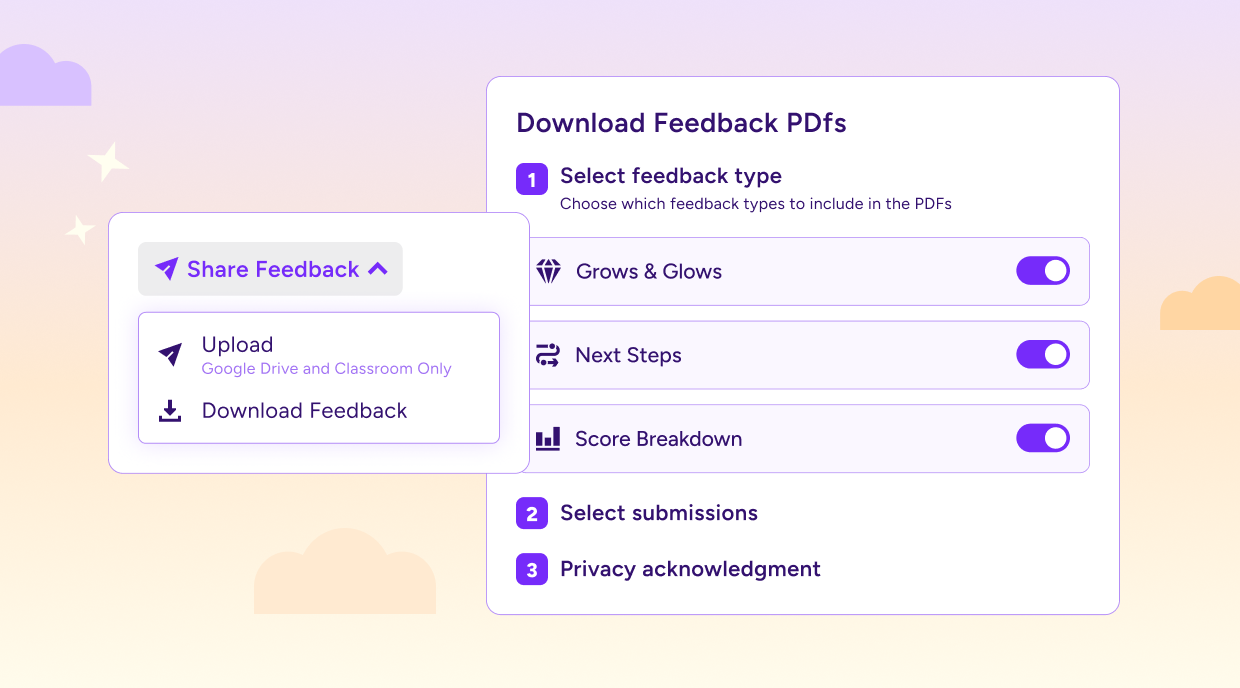
Teachers can now download student feedback from Class Writing Feedback as a PDF, individually or in bulk.
You can now:
- Export any approved submission as a PDF, including older submissions from Google Drive, Google Classroom, or OneDrive
- Download individually or in bulk (bulk exports create a ZIP file with individual PDFs)
- Choose which feedback types to include before downloading
- Re-download as many times as you need
Why this matters
Getting feedback back to students used to require a direct sharing connection, but PDF exports make that process much simpler. For LMS integrations that don't support direct sharing, teachers now have a reliable way to get feedback out of the platform and into students' hands.
Connect Canvas and Schoology to Class Writing Feedback

What’s new
Class Writing Feedback now supports Canvas and Schoology as submission sources. Teachers at districts using either Canvas or Schoology can import student writing directly. This is an opt-in enterprise feature.
You can now:
- Import student submissions directly from Canvas or Schoology
- Work with plain text, Word docs, and PDFs
- Follow the same familiar flow as Google Classroom
Why this matters
If your school uses Canvas or Schoology, getting student writing into Class Writing Feedback just got much easier. Teachers can work from the systems they already use instead of juggling extra steps or manual uploads.
Note: This feature requires an existing Canvas or Schoology SSO integration. Teachers need to have logged in to MagicSchool through their LMS within the last month to see the new submission source.
More flexibility in Class Writing Feedback rubrics
What’s new
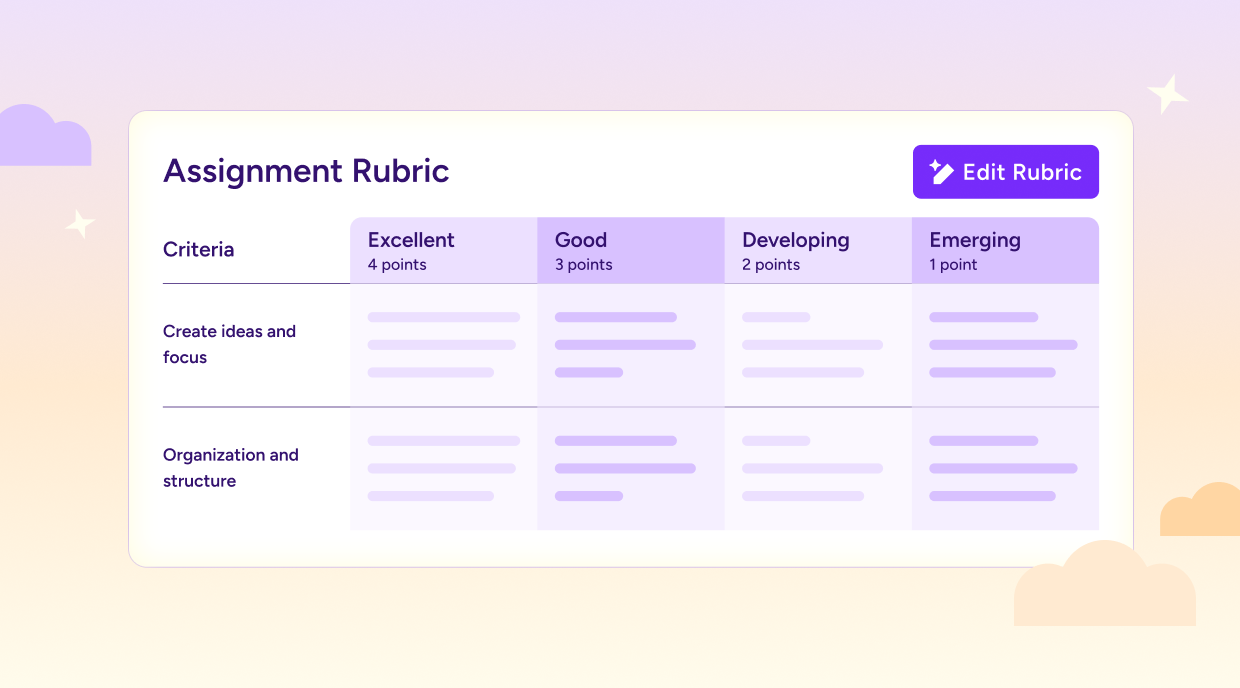
The rubric builder in Class Writing Feedback now supports a much wider range of rubric structures.
You can now:
- Set variable point values, including point ranges
- Assign different performance levels and point values per criterion
- Set performance levels to any point value, including 0
- Build or upload rubrics with more accuracy
Why this matters
Teachers rarely use perfectly uniform rubrics. This update makes it easier to bring the rubrics you already use into Class Writing Feedback without changing the way you assess student work.
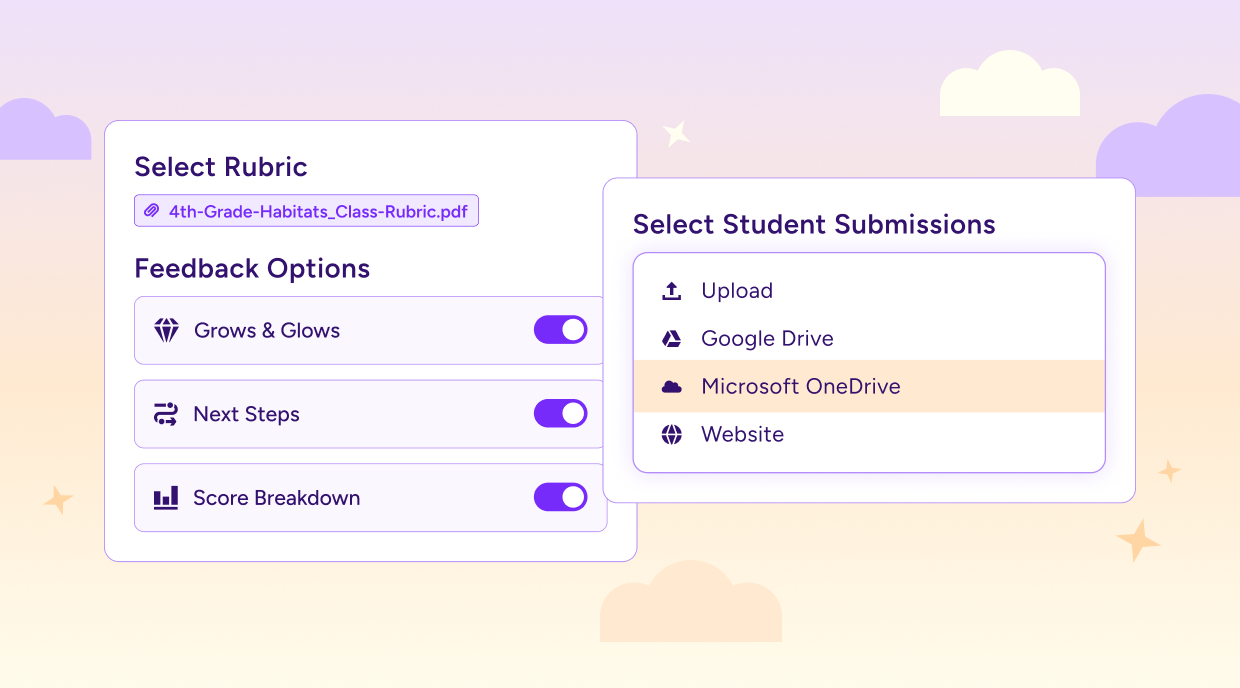
Submit student writing from Microsoft OneDrive
What’s new
Teachers can now pull student work directly from Microsoft OneDrive into Class Writing Feedback. It’s available for teachers on the Free and Plus plans, with Enterprise orgs enabling it through their CSM.
Why this matters
If your district uses Microsoft, this update makes it easier to fit Class Writing Feedback into the tools teachers already use every day. Less time moving files around means more time focused on students and feedback.
Enterprise Custom Student Tools
.png)
What’s new
Org Admins at Enterprise districts can now create, manage, and distribute custom student AI tools directly from MagicSchool.
Districts can now:
- Create custom Enterprise Student Tools based on any tool in the catalog
- Manage site access to include all sites or selected sites
- Build tools tailored to a district’s curriculum and learning goals
Why this matters
With Enterprise Custom Student Tools, districts can now create AI-powered experiences for students just as they do for teachers. It’s a new way to bring district priorities, curriculum, and instructional goals directly into the tools students use every day in MagicSchool. Now that capability extends to students. Enterprise Custom Student Tools give districts full control over the AI-powered learning experiences students have in MagicSchool.
Note: Available to Enterprise accounts only. Not on our Enterprise plan yet? Get in touch today to explore this option for your district!
Consistent insights across Quizzes and Class Writing Feedback

What’s new
Quiz and Class Writing Feedback insights now share the same structure and layout, so teachers get a familiar view no matter which feature they’re working in.
What’s aligned:
- Both features now surface Overall Assessment, Strengths, Areas for Growth, and Celebrations
- Class Writing Feedback now includes recommended next steps (Student Rooms and teacher tools), just like Quiz insights
- Quizzes now have a dedicated insights page, including a completion count, last-updated timestamp, and next-steps section
Why this matters
When insights look and work the same across tools, teachers spend less time learning new workflows and more time acting on what they're seeing. A consistent experience makes it easier to understand student progress and decide what comes next.
Try what’s new
These updates are live now. Whether you’re grading writing from Canvas or Schoology, sharing feedback via PDF, or exploring how your district can customize the student AI experience, there’s a lot to explore this month.