AI tools for teachers
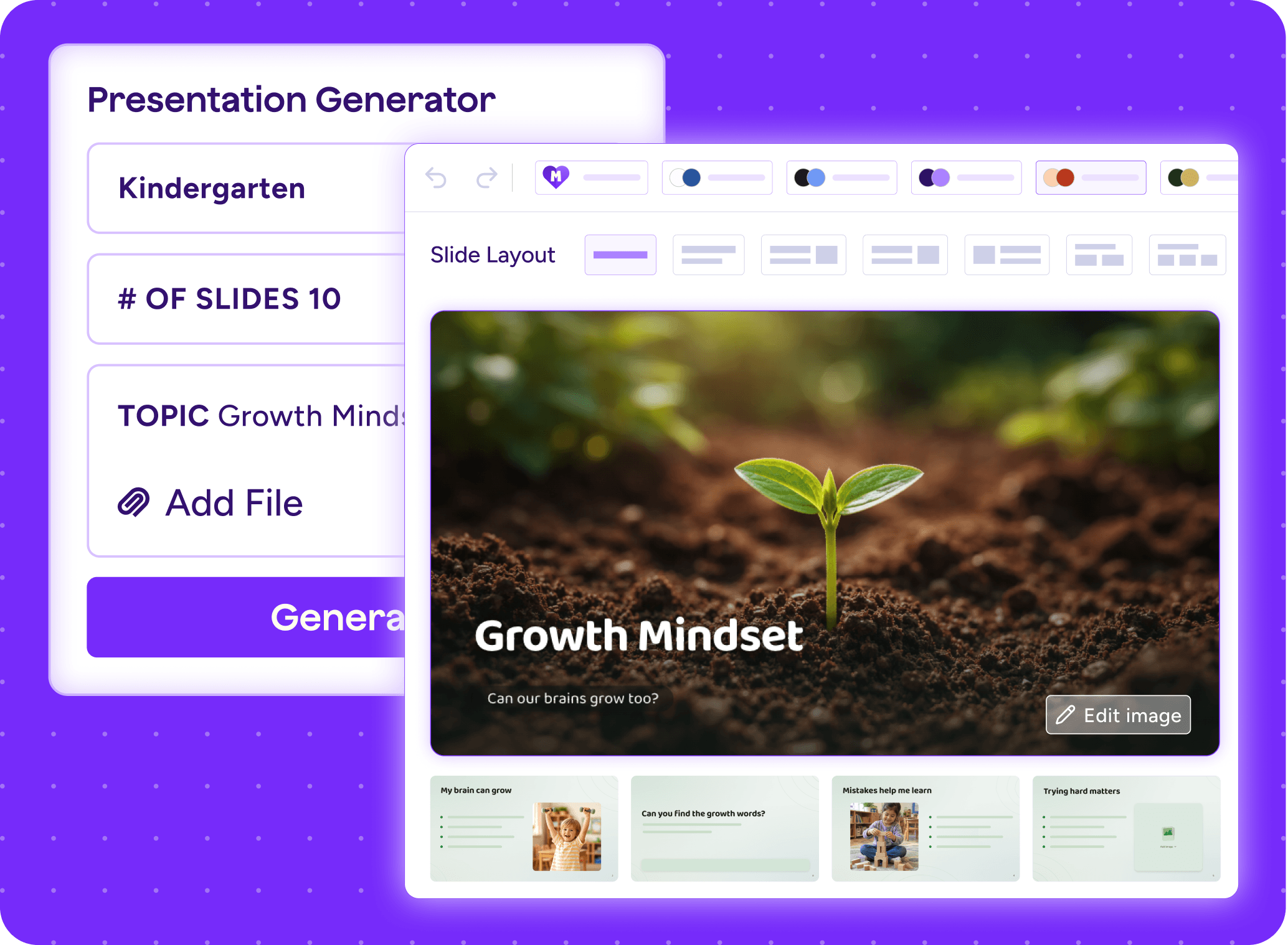
Explore MagicSchool's collection of Al tools for teachers designed to save time, spark creativity, and help you focus on what matters most: your students.
What's new in MagicSchool
We ship new tools and updates every month, built around what educators actually need. See what's landed lately.
Trending teacher tools
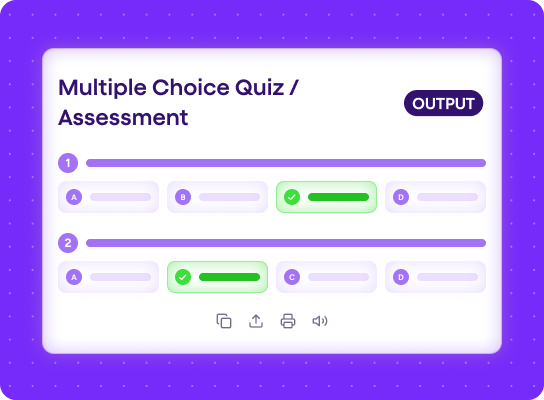
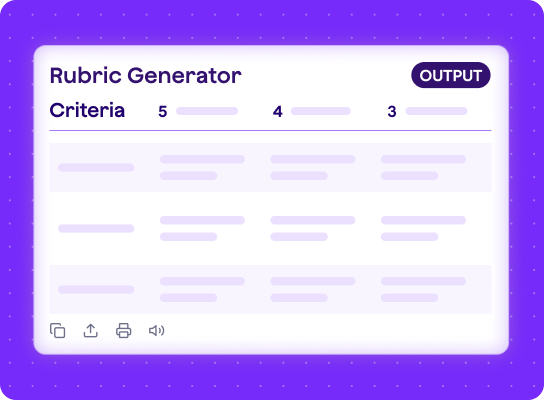
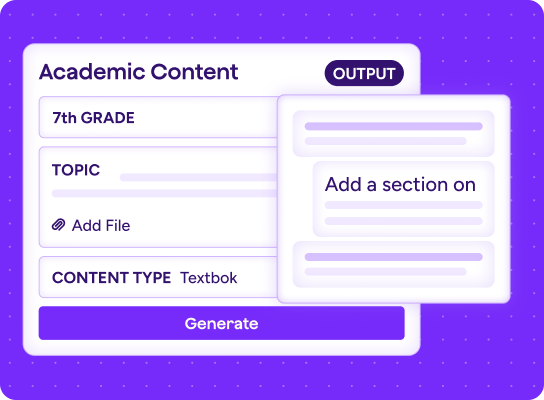
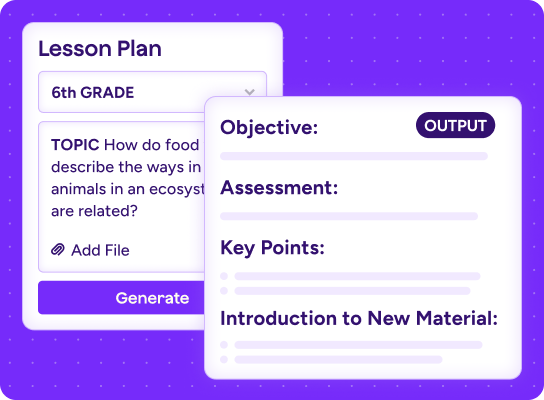
It’s not a popularity contest—but if it were, these would be the tools teachers reach for most.
Top AI tools for students
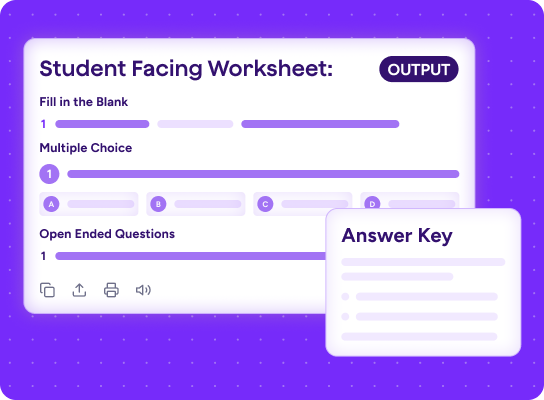
Explore learning-first, teacher-guided AI tools that spark curiosity, build critical thinking, and support AI literacy.
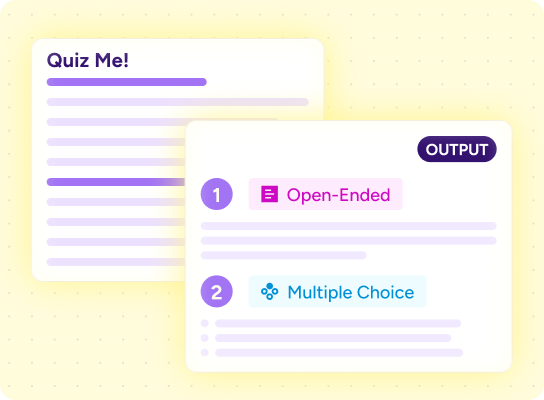
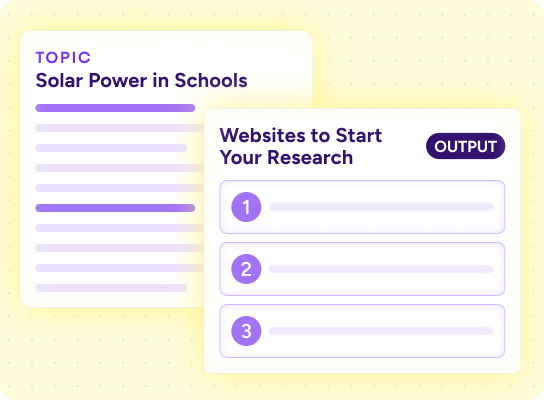
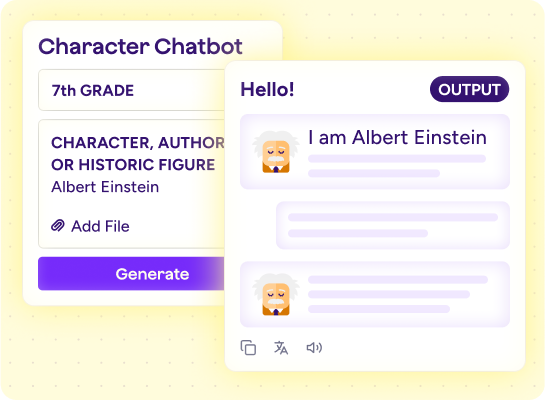
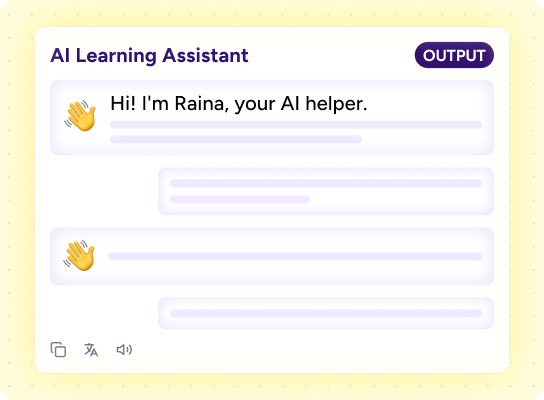
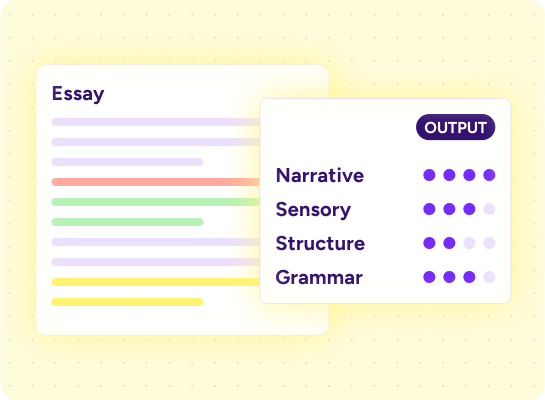
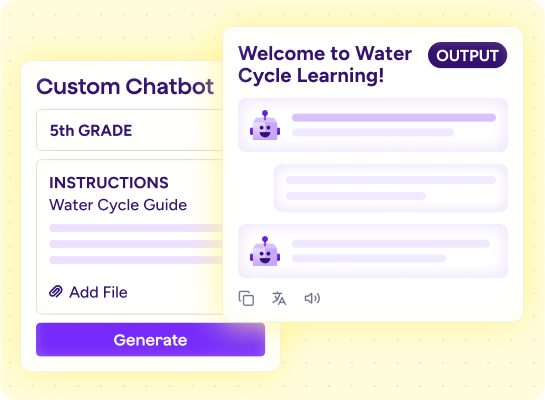
See every MagicSchool tool, firsthand
Login or sign up free to explore our full collection of 80+ teacher tools and 50+ student tools you can use in your classroom today.
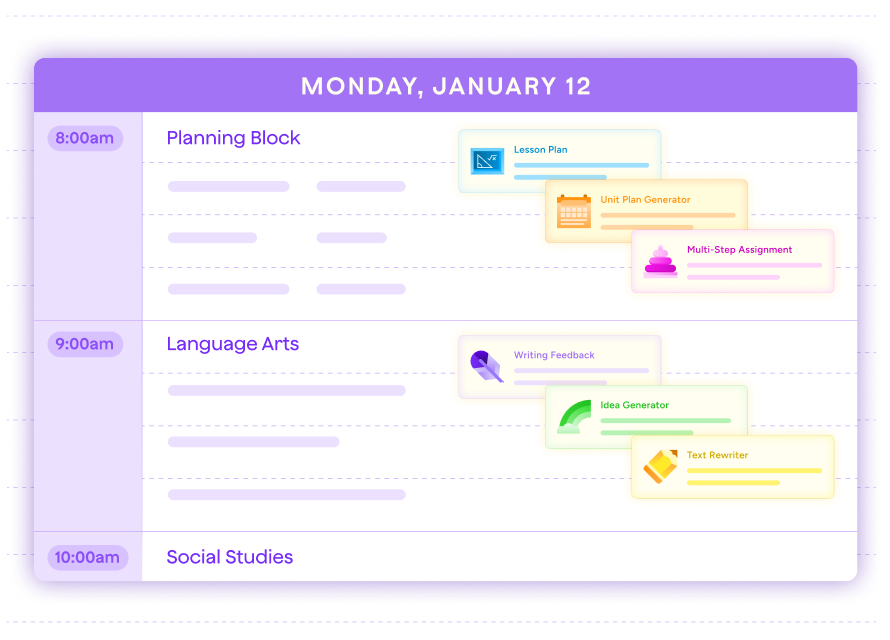
All your favorite MagicSchool tools, in one place
Save your go-to AI tools in one place, organize them by subject, grade, or task, and share collections with colleagues so you can build on what works best together.


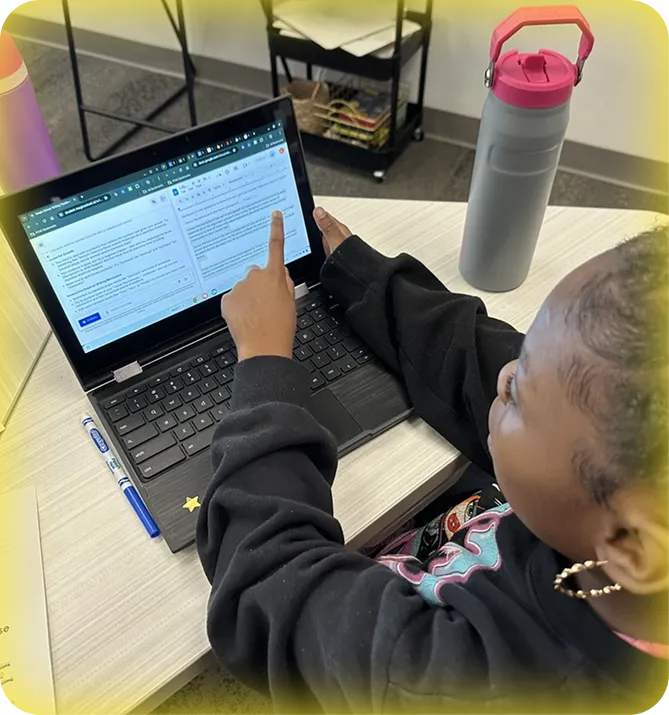
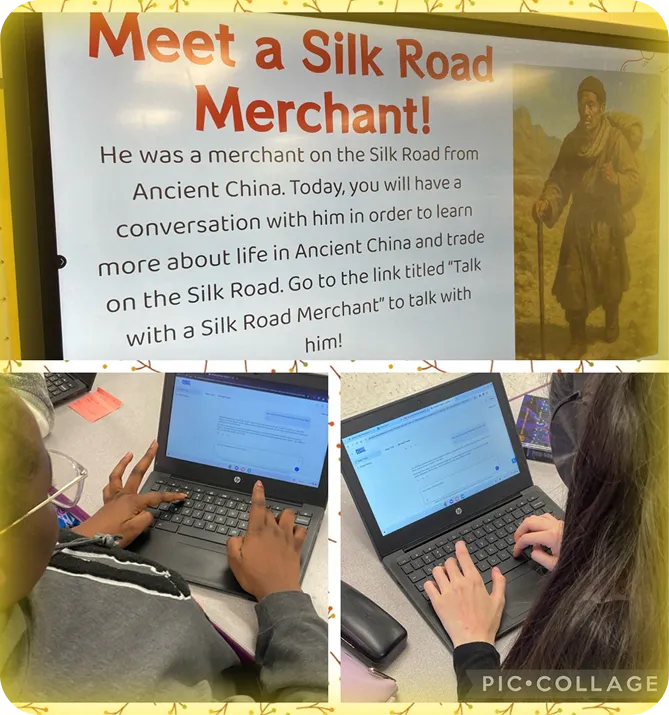
See how teachers use MagicSchool tools in their classrooms

MagicSchool blog
Keep up with what's new
Explore teaching tips, classroom ideas, and the latest updates to MagicSchool tools.


Your questions, answered
Everything you need to know about AI tools for teachers, in one place.
How can teachers get started with AI tools in the classroom?
Teachers can create a free MagicSchool account in minutes, with no complex setup or training required. The platform is designed for every stage of AI adoption, from getting started to building custom tools and leading professional learning. For districts, MagicSchool offers structured onboarding, dedicated support, and a pilot program so schools can see real impact before committing to full rollout. Teachers can open the platform and find something useful on day one.
Can MagicSchool tools be customized for specific classroom needs?
Yes, and the customization goes beyond simple adjustments. At the district level, leaders can build custom tools grounded in their own frameworks, share them across schools, and set moderation rules that reflect their community. At the classroom level, teachers can tailor tools to their grade, subject, and instructional goals. Outputs reflect the context, standards, and priorities that matter most to their classrooms and districts.
What makes MagicSchool different from other AI tools for teachers?
Most AI tools are general or consumer-grade products built for broad use, not for schools or students. MagicSchool was built for education from the start, by educators. The difference is clear in tools that match real teacher workflows, outputs aligned to instructional frameworks, and privacy protections designed for K–12 requirements.
Are AI tools safe to use in K–12 classrooms?
Yes, when they’re built specifically for schools. MagicSchool is compliant with FERPA, COPPA, GDPR, and SOC 2 Type 2. Student data is never sold or used to train AI models, and it’s stored securely in the United States. Every tool runs through an education layer that moderates content for age and school use, and teachers always have visibility into student activity. Safety is built into the platform from the start. Learn more in our Trust, Safety, and Quality Center.
How do AI tools help teachers save time during the school day?
Teachers spend more than half their time on planning and administrative work, like lesson plans, IEPs, rubrics, and parent emails. MagicSchool helps take that work off their plate. With 80+ tools designed for high-volume, low-reward tasks, teachers report saving 7 to 10 hours a week. That time goes back to working with students.